Daughter of Anton
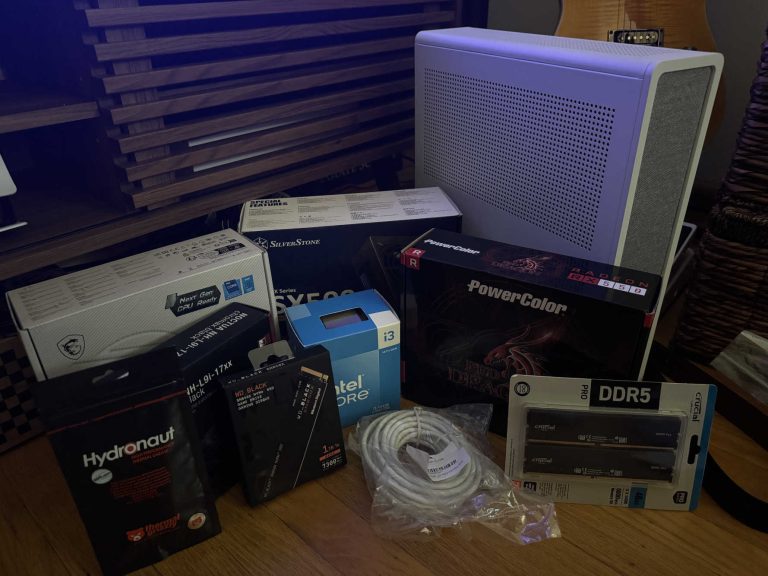
Parts Arrive!
6/9/24
While not the most cost effective way to start a homelab, I enjoy building computers, so I used this as an excuse to build a mini pc with consumer parts.
I originally built the system with an Intel i3 13100, 48gb DDR5 ram (ballin), 2tb nvme (also ballin), 500w psu, specific motherboard and cooler isn’t too important.
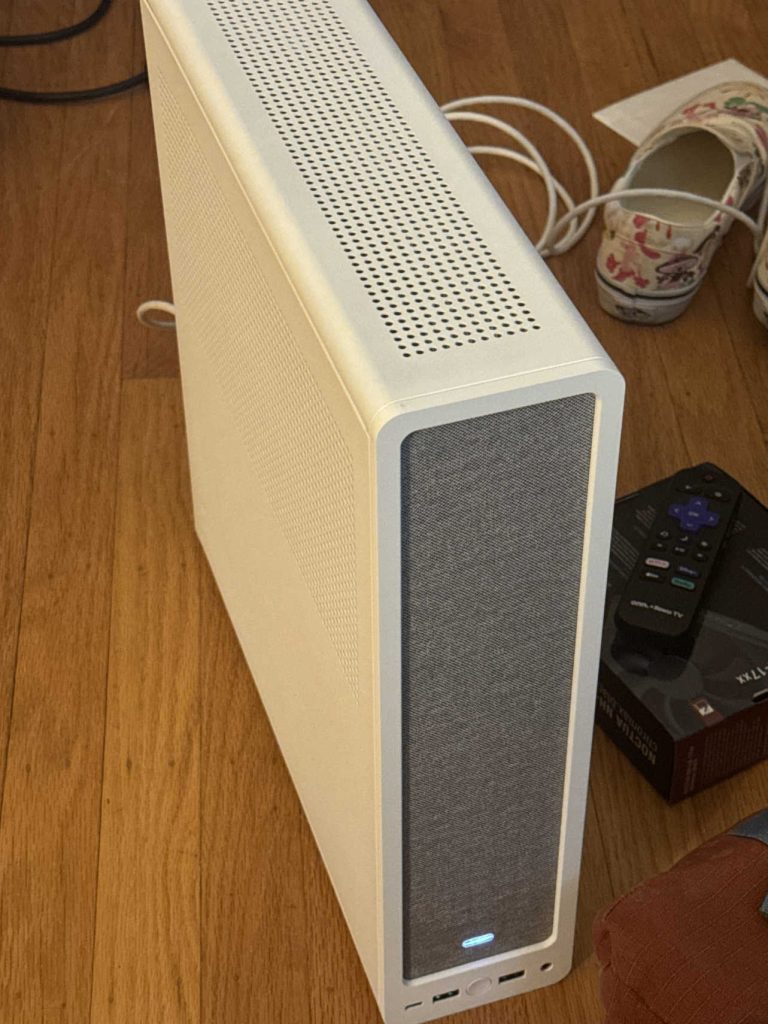
Server Built!
6/10/24
I built the server, didn’t take too long I invited my friend Lucas over because he was also interested how this works. I was still waiting on some 2.5″ SSDs to arrive and was actively looking for an HBA card to install.
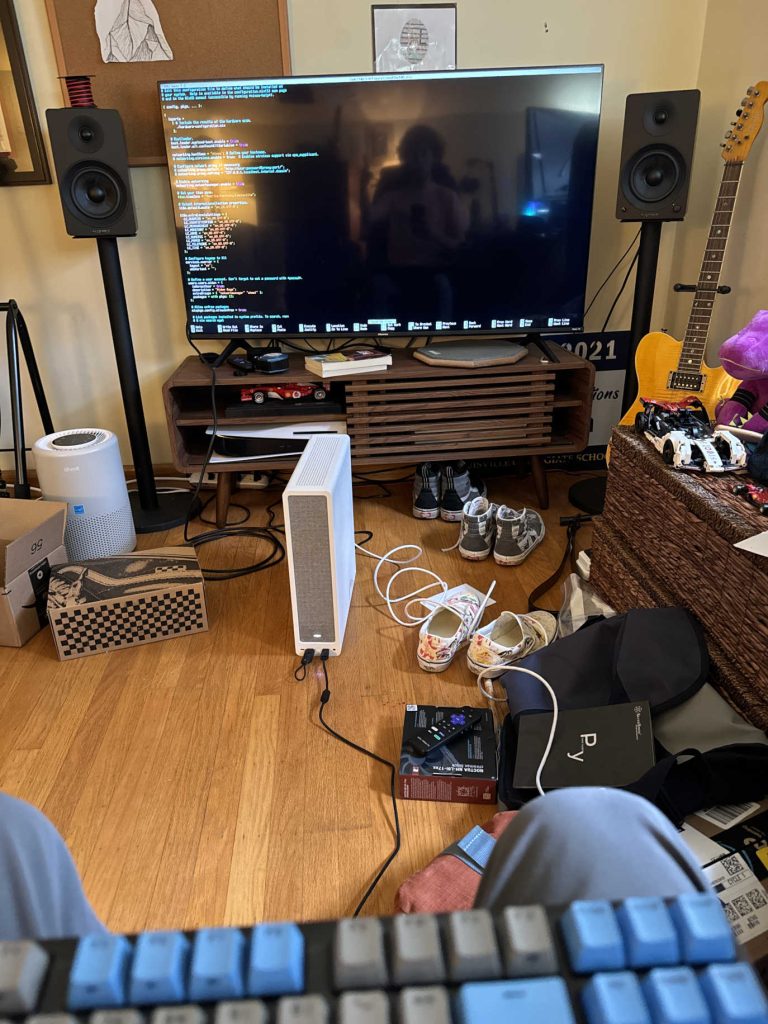
Trying NixOS
6/10/24
More like I failed at NixOS.
For those who don’t know, NixOS is a declarative operating system, which means you edit a config file to manage the entire system. I tried this for a few weeks and it was like bashing my head against a brick wall that had thorns somehow growing out of it.
Really cool concept but god damn is it confusing and complicated.
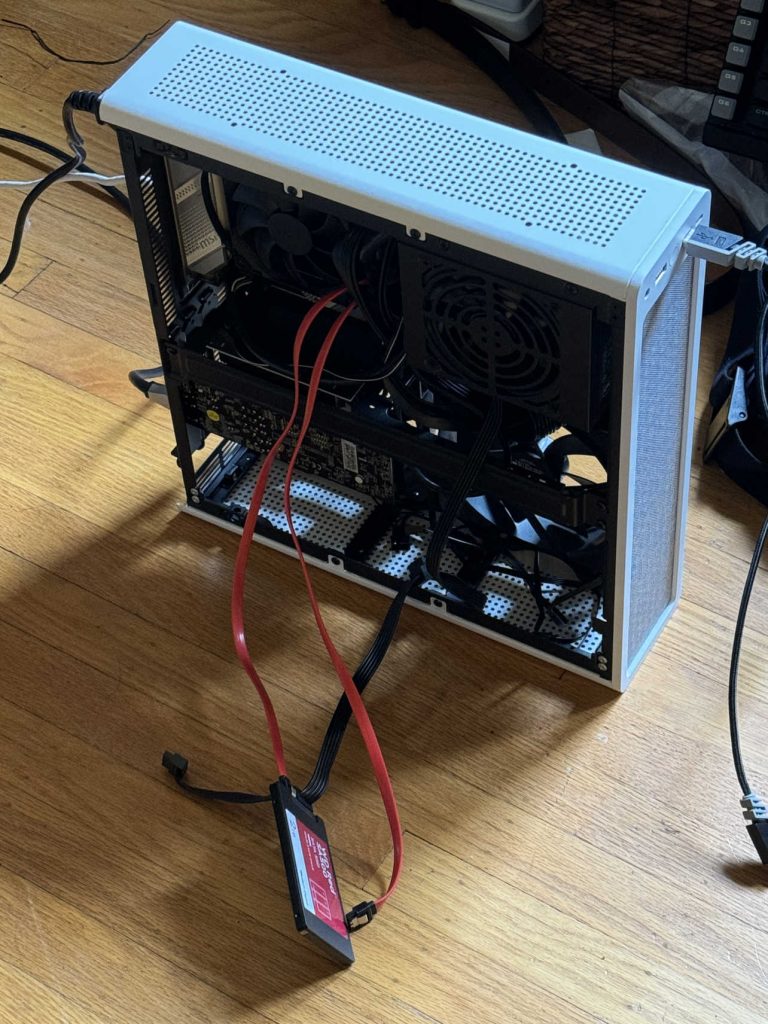
Installing More SSDs
7/6/24
This is when I realized I needed an HBA card, a PCIE card that allows me to connect more sata drives. In this photo I think I have a video card plugged in.
This is also about when I gave up with NixOS and decided to try TrueNAS Scale, which worked for a while and was able to install things like Tailscale and host MC servers. However, at some point, I swear this was totally random, my install borked itself and I did not have the expertise to troubleshoot that at the time.
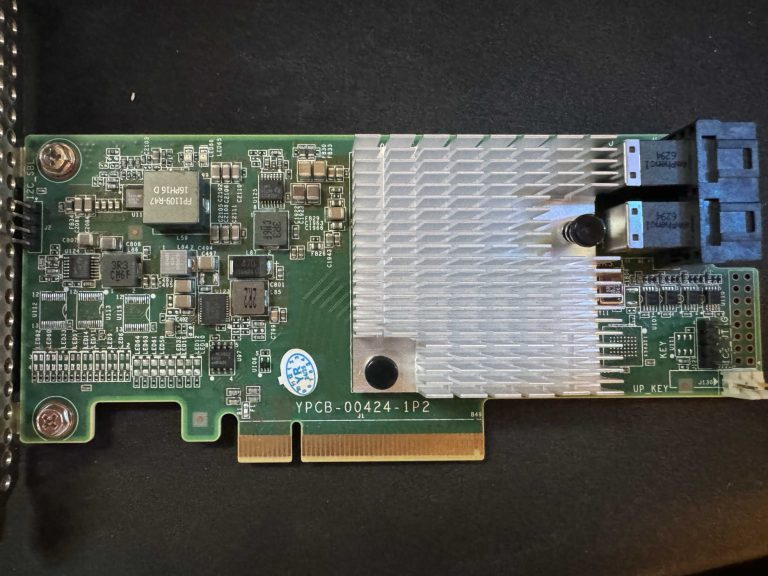
HBA Card Arrives!
7/22/24
An HBA card (host bus adapter) allows me to connect more sata SSDs to my server. In the previous image there are two SSDs connected directly to the motherboard and that is the maximum. Now I have three connected through the HBA card.
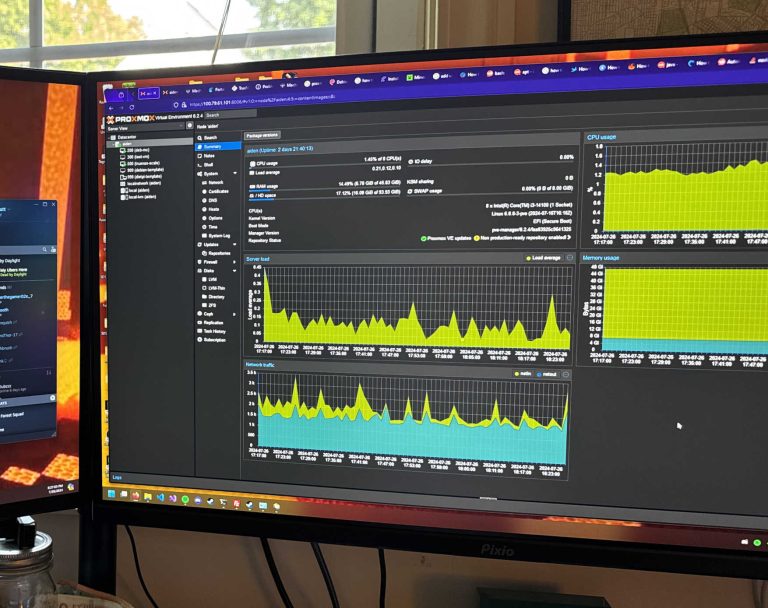
Setting up Proxmox and TrueNAS
7/26/24
By this point, I had landed on installing Proxmox Virtual Environment and running TrueNAS Scale in a virtual machine incase my install decided to kill itself again.
So far been having good results with this combo pushing two years.
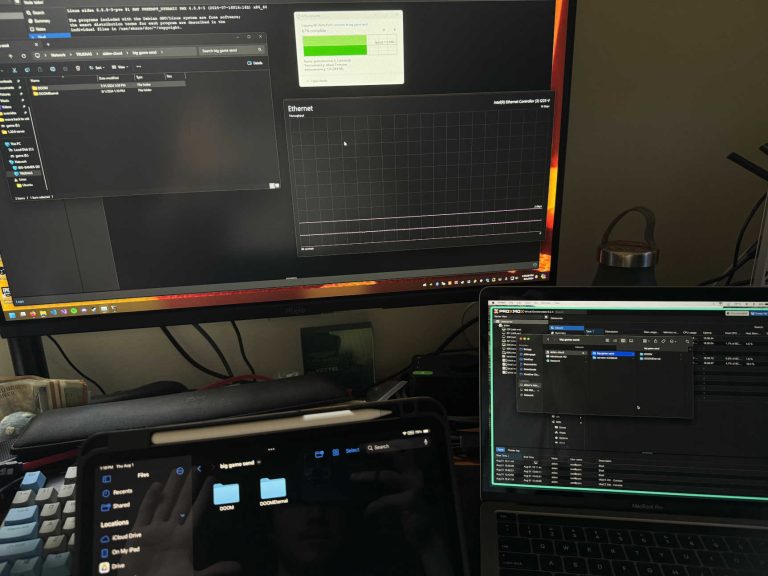
Setting up SMB
8/1/24
With TrueNAS Scale running in a VM, I use that to host my SMB shares for both my cloud storage and also a few Proxmox discs. Here I built my server up enough to be able to connect remotely with Tailscale and mount the SMB drive to devices like my PC and Macbook.
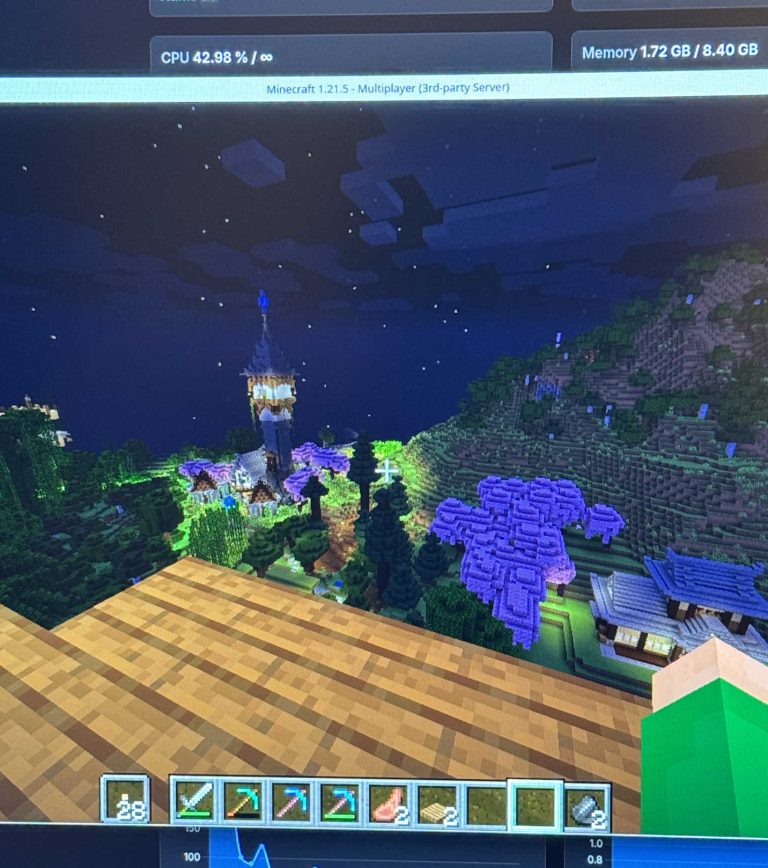
House Minecraft Server
9/8/24
I began hosting a Minecraft server for my fraternity Delta Upsilon which gained traction around the house. I have plans to bring it back and want to permanently host a server for the house for free.
Carbon is Built!
12/3/24
This is my senior year at DePauw and completed my computer science seminar in the Fall.
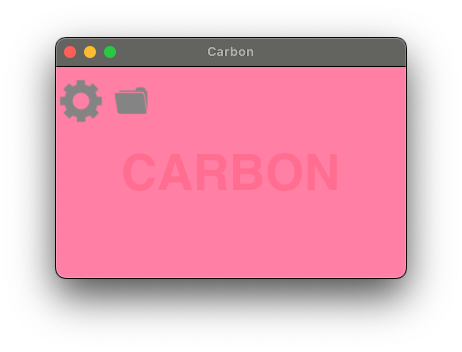
I developed a Mac desktop application in Rust, that can also probably work on Linux, that allows the user to upload a file to a server instance of their choice and receive a download link to be able to share files and easily remote download files. I decided to dive head first into Rust and Git, fighting with Rust’s borrow checker and compiler.
I developed Carbon while also learning server setup and maintenance and a common tool is the command line tool wget. Wget takes a URL of a file and downloads directly from it, this works very well until the website has a redirect and that breaks the whole download. So I created my own workaround for that issue I was having.
New Parts!
5/26/25
Now I’ve graduated!
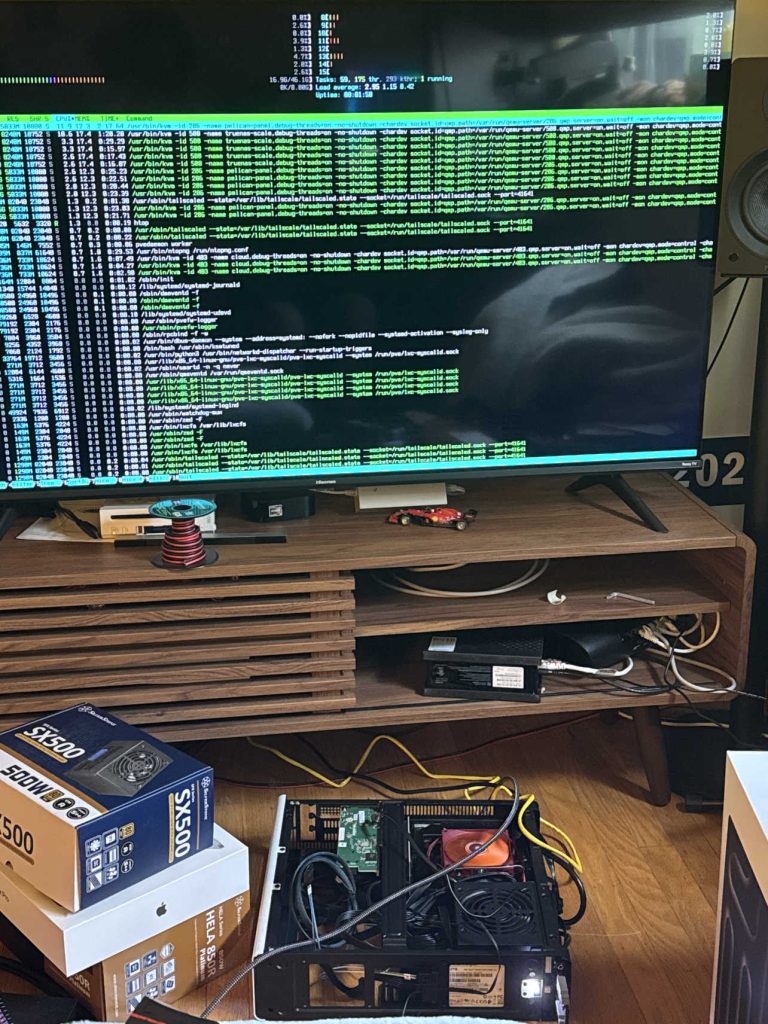
I ordered some new parts to swap into the system. I had to buy a new motherboard, but I swapped in my AMD Ryzen 7700X (ballin) from my main PC because I was also replacing that with a 7800X3D (also ballin).
HP Proliant DL360p Gen8
4/22/26
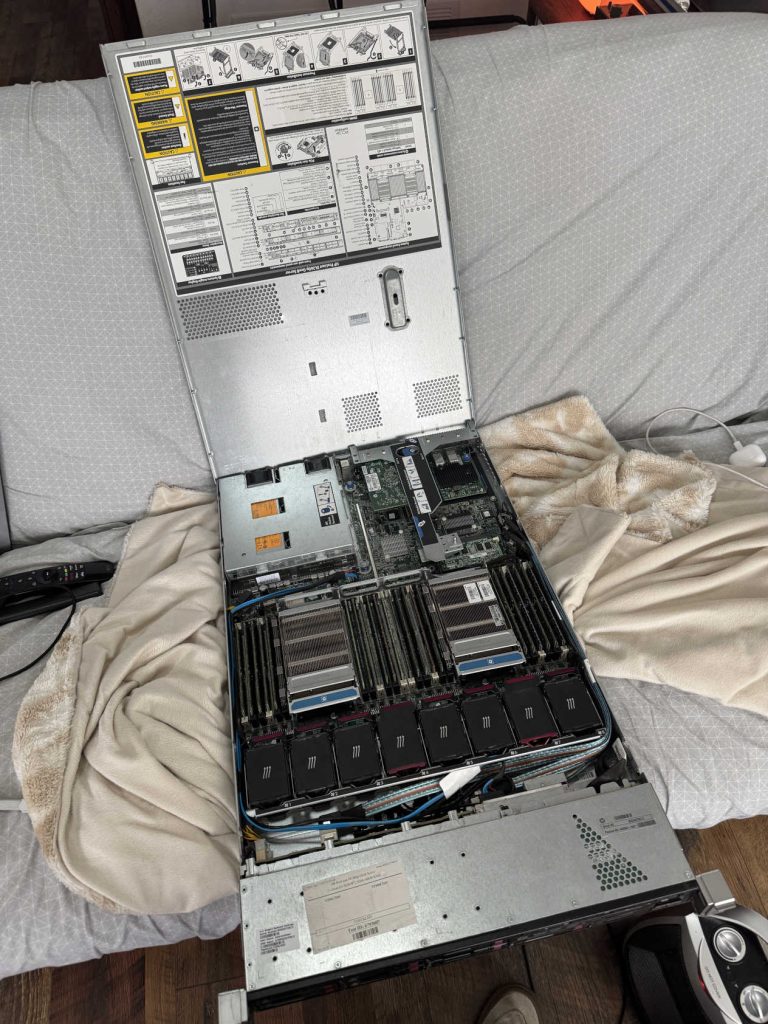
Bought this power hungry system on marketplace and I am still trying to figure out how to use it. Has dual Xeon 20 core CPUs, 180gb DDR3 RAM, and about 8tb of hard drive configuration.
Random Cisco Switch
4/22/26
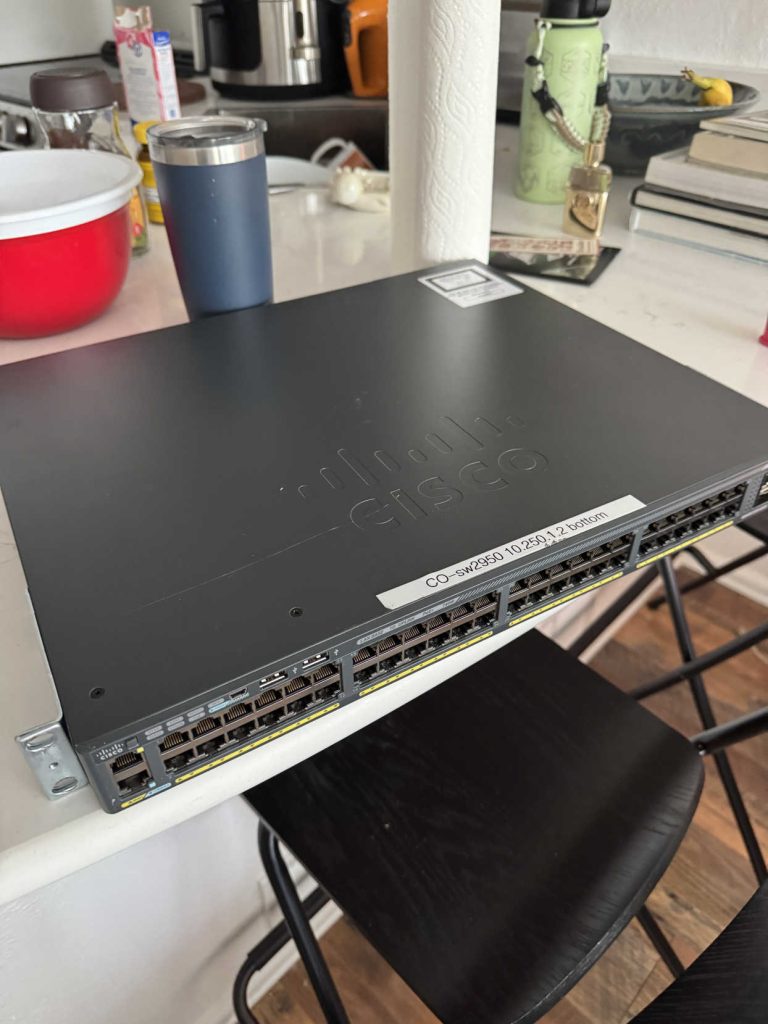
I got this random Cisco switch from the same guy I got the HP server from. It’s a 48 port managed switch with POE. I plan on running access points from here and running ethernet around my place.
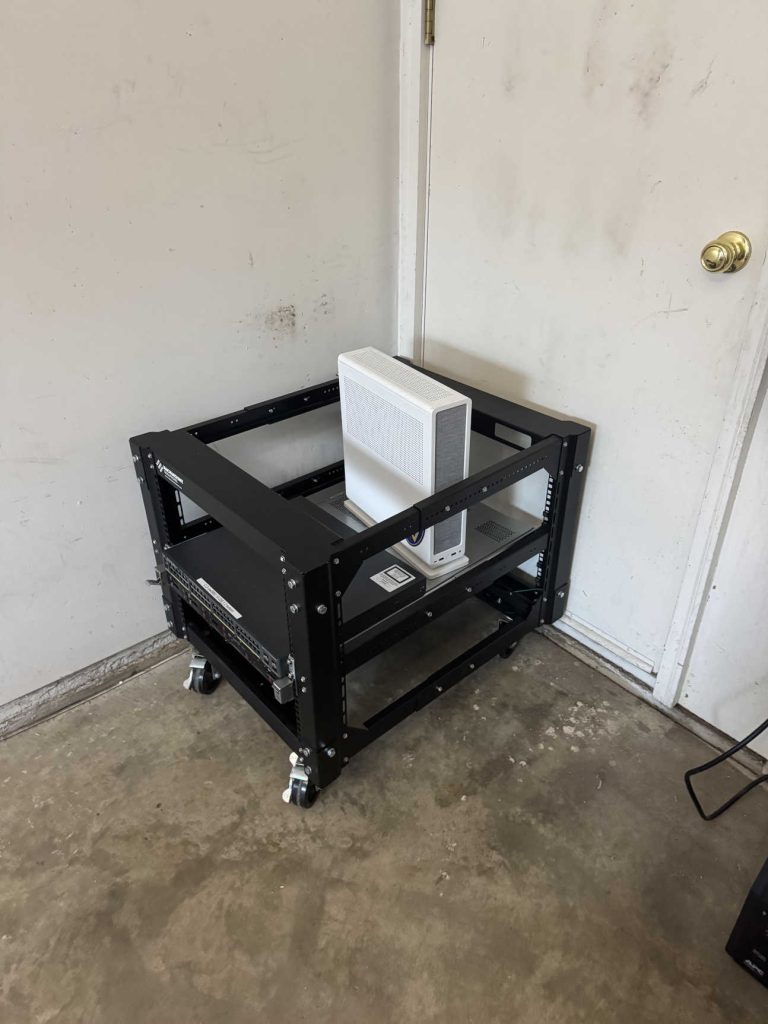
Server in Garage
6/20/26
Originally, I put my rack next to my desk upstairs, but turning on the HP server I realized that was not a wise choice. So I moved it to the garage so I don’t hear it.
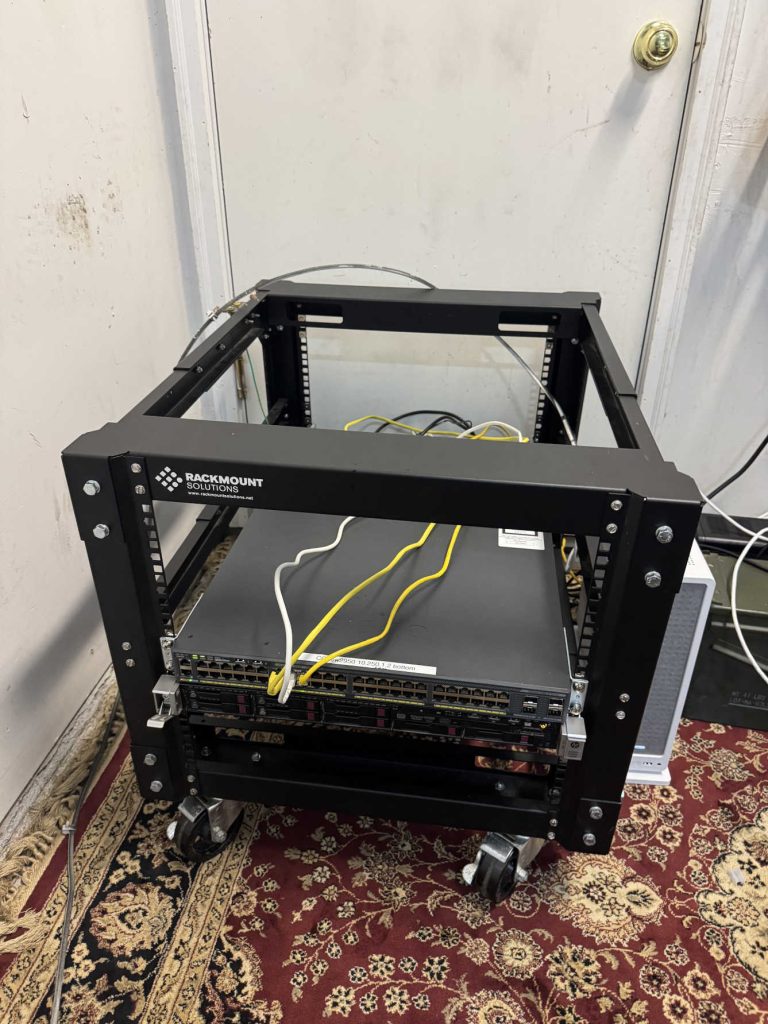
New Rugs
6/21/26
I got some rugs for my garage!
Probably not the best for static build up. Used MOCA to use my coax already around my place to run internet. Soon to be replaced with ethernet because slow.
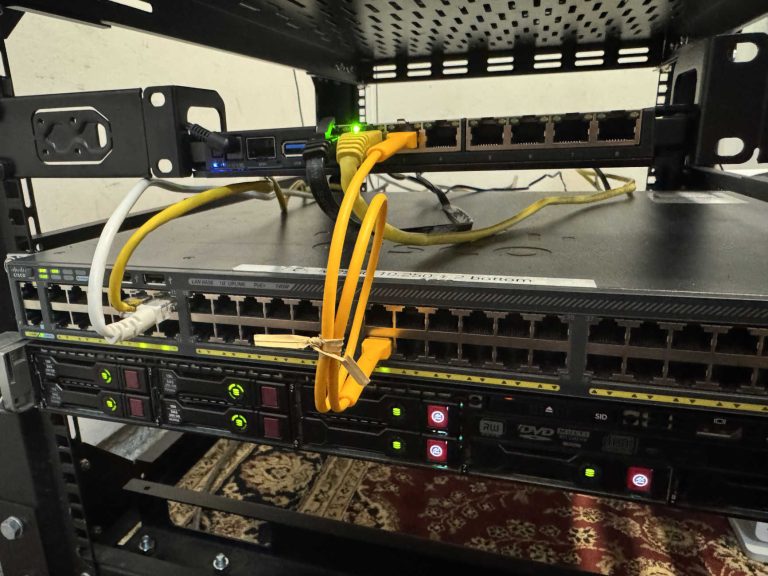
Mikrotik Router
6/27/26
Read good reviews about the Mikrotik RB5009UG router and decided to pull the trigger. Took some configuring, but got it working and now rack mounted.
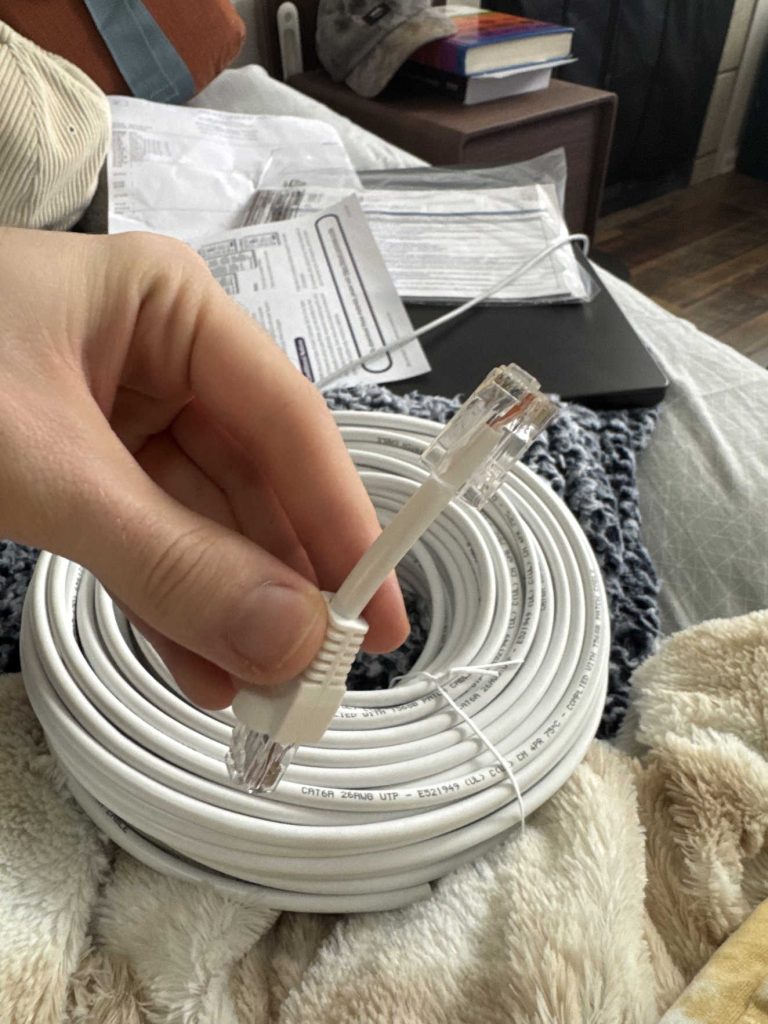
First Ethernet Cable Termination
7/2/26
Bought 150 feet of Cat6 ethernet cable with the intention of running lines underneath my place, I have hella crawl space.
I also terminated my first ethernet cable by cutting off the end and trying.
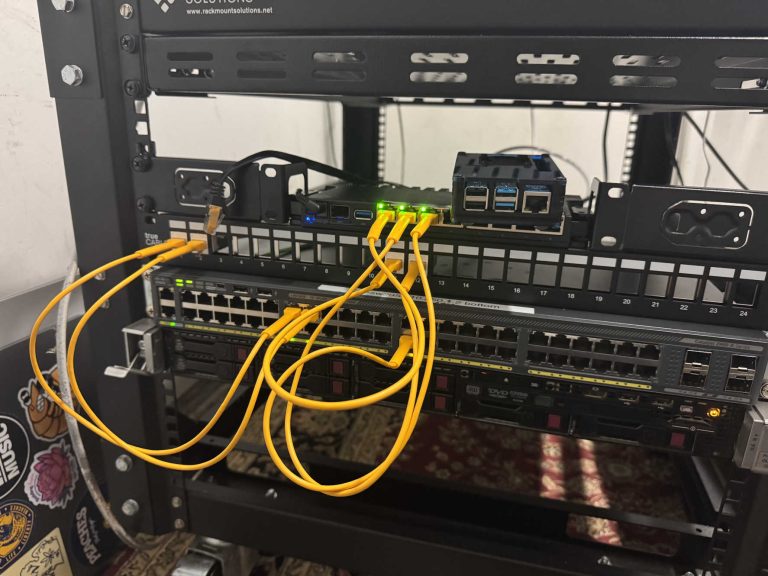
New Patch Panel!
7/3/26
I also ordered a 24 port patch panel and a handful of keystone jacks to learn how to terminate those.
I found out I enjoy creating these connections and managing the cables.
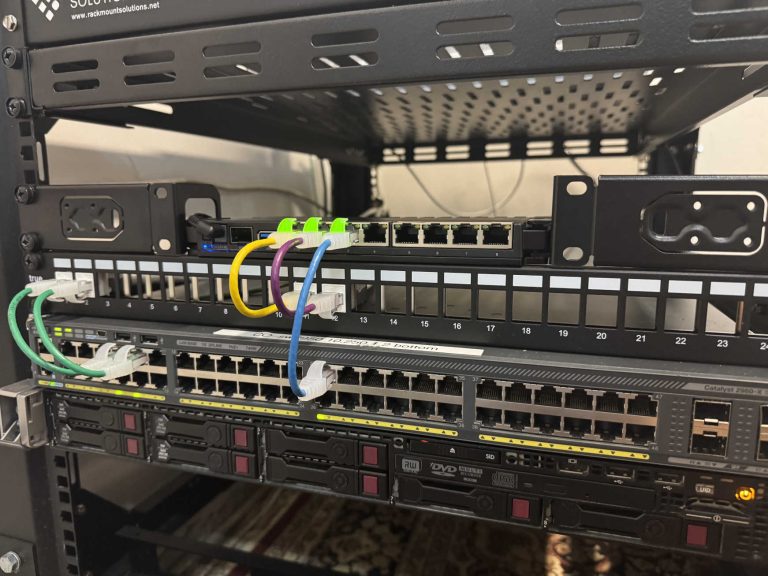
New Patch Cables
7/6/26
I got some new patch cables to better fit the space and try to color code my connections. I have continued keystoning and terminating cables.
I will get a photo of the rear cable management, I spliced enough for the HP system to be pulled out all the way and stay connected. I’m just proud of my work.
Leave a Reply