Category: Projects

these are all my projects

  • Vinyl On-The-Go

    Vinyl On-The-Go

    Replacing music streaming with self hosting, that’s definitely more work than it’s worth but it’s cool! I have a playlist on Apple Music that I like to keep updated as I acquire new records, so I have linked it below for you to check out my progress!
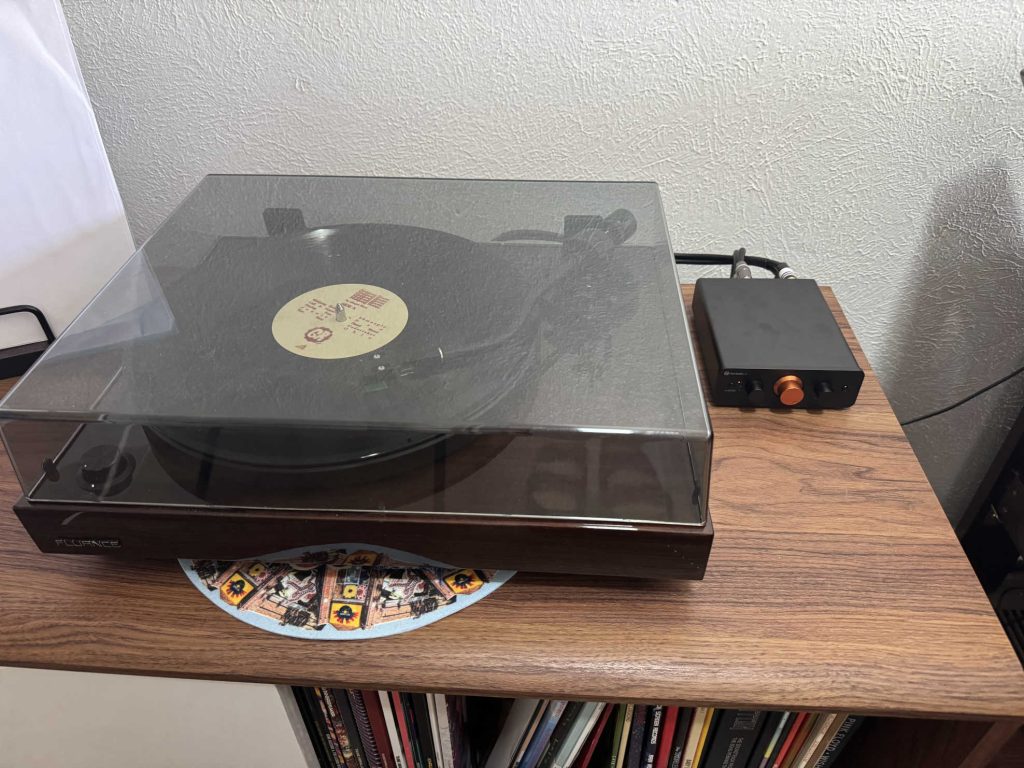
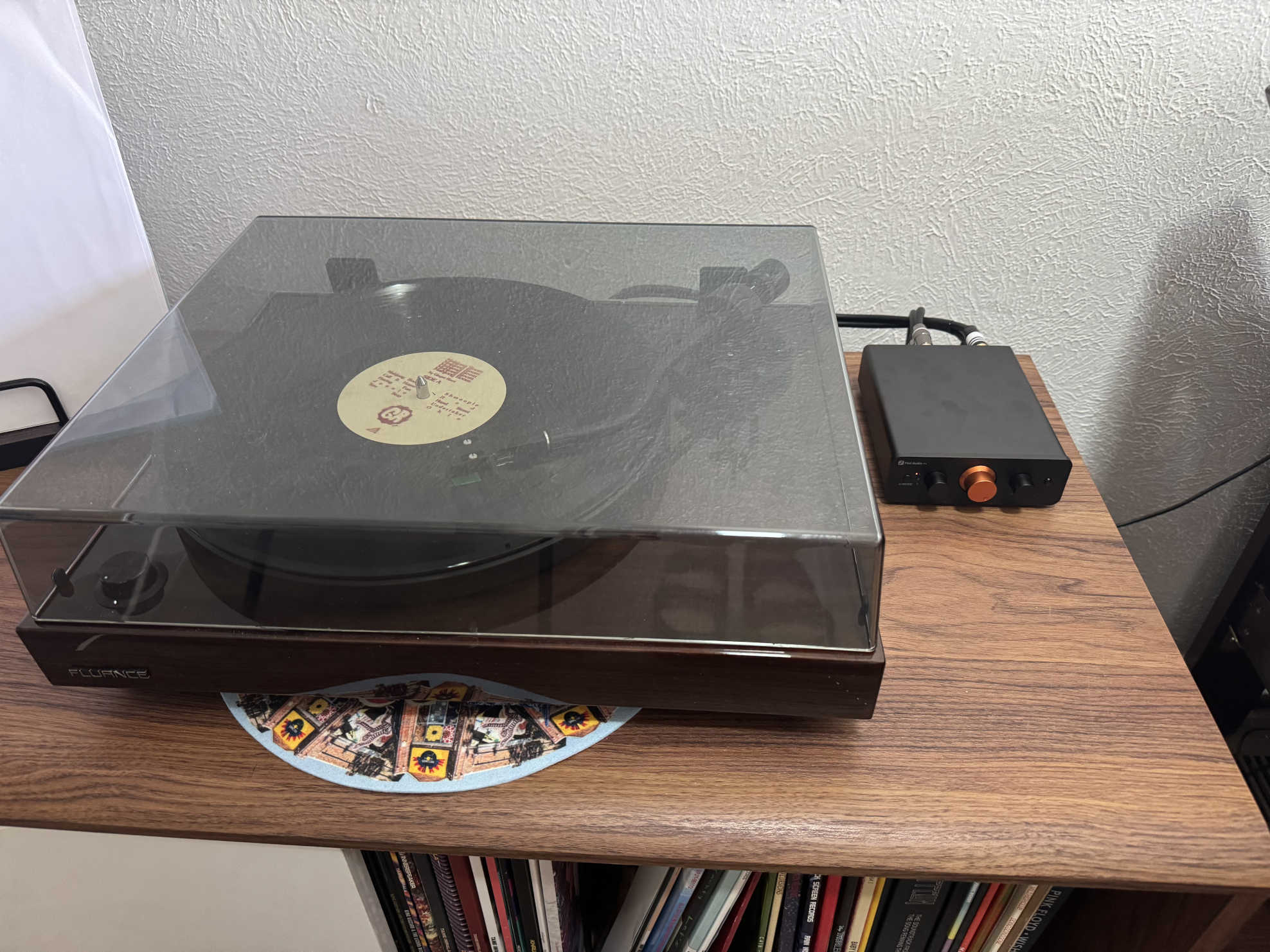
    This is my Fluance RT81 (I think) sent to a Fosi Audio P4 Mini preamp, which I can either connect to my Fluance Ai40 powered bookshelf speakers or my laptop to record.

    My entire collection is around 1,163 songs and 82 hours of music (or 3.4 days!) that I intend on recording.

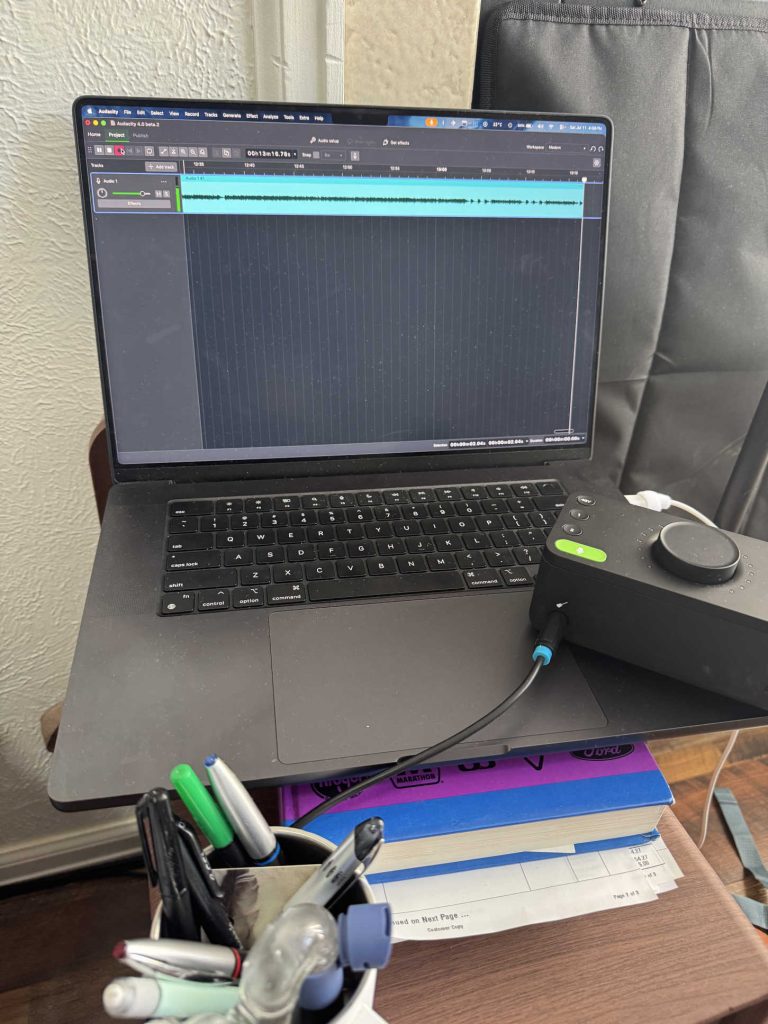
    Here, I have my laptop connected to an Audient EVO4 audio interface that talks to the preamp and allows me to record the vinyl record digitally.

    I use Audacity to record and edit the audio (using the beta for Audacity 4 but Audacity 3 works fine).

    I use MusicBrainz Picard to scan the audio and assign the correct songs data to. I host Navidrome on my server to act as the streaming front end. I am still figuring out how to add music to my platform.
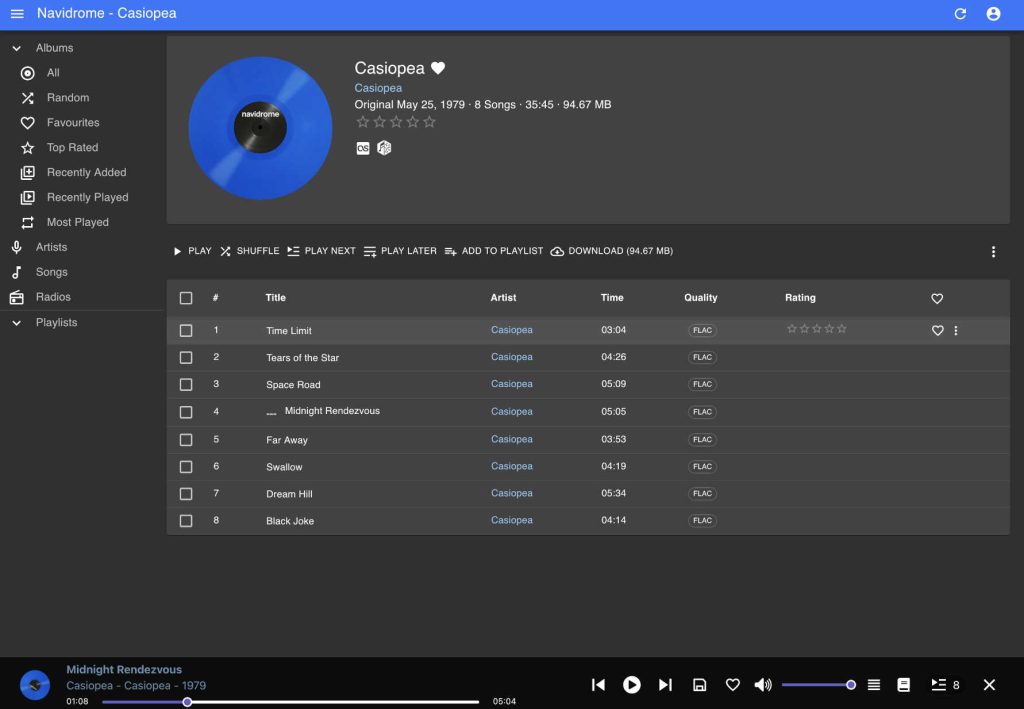
    On second look, I fixed the problem! *restarted the docker container*

    I mounted an SMB share to my Navidrome VM and set the music path to that in the Docker Compose file and I just never restarted the container for the change to take effect. haha…

    But now it works and it’s so cool!

    I fixed the album art bug, turns out I was just using the root of the music directory to store all my tracks instead of individual folders for each album and artists, causing Navidrome to not apply the cover art to the tracks. Once I reorganized my music folder and restarted my docker container (didn’t forget this time!) everything worked as it should.

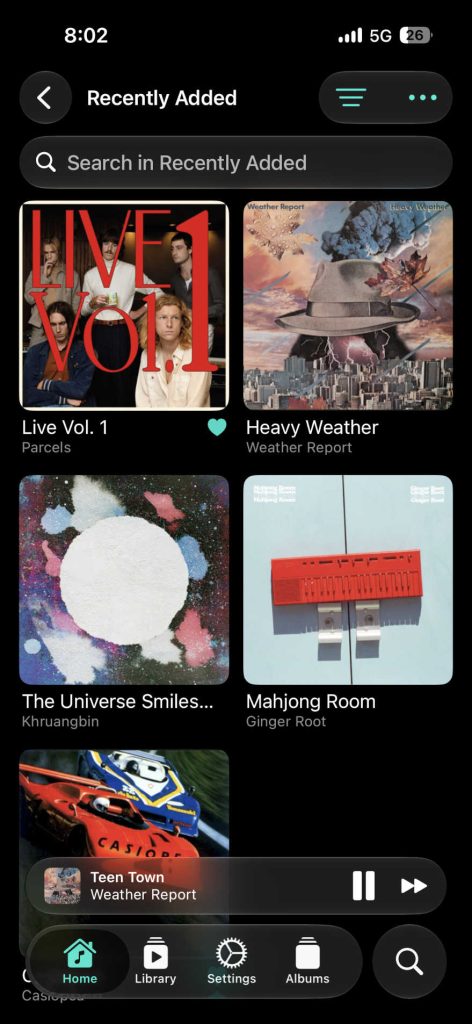
    All of these albums were recorded in mono and need to be recorded again in stereo, I was just in a rush when doing this the first time and went with what I had.

    This means I’m currently 54/1163 songs, that’s 4.6% done!

    I mean I still need to re-record these and boost the volume a bit…
  • Immich Photo Backup

    Immich Photo Backup

    I don’t really know how to illustrate this

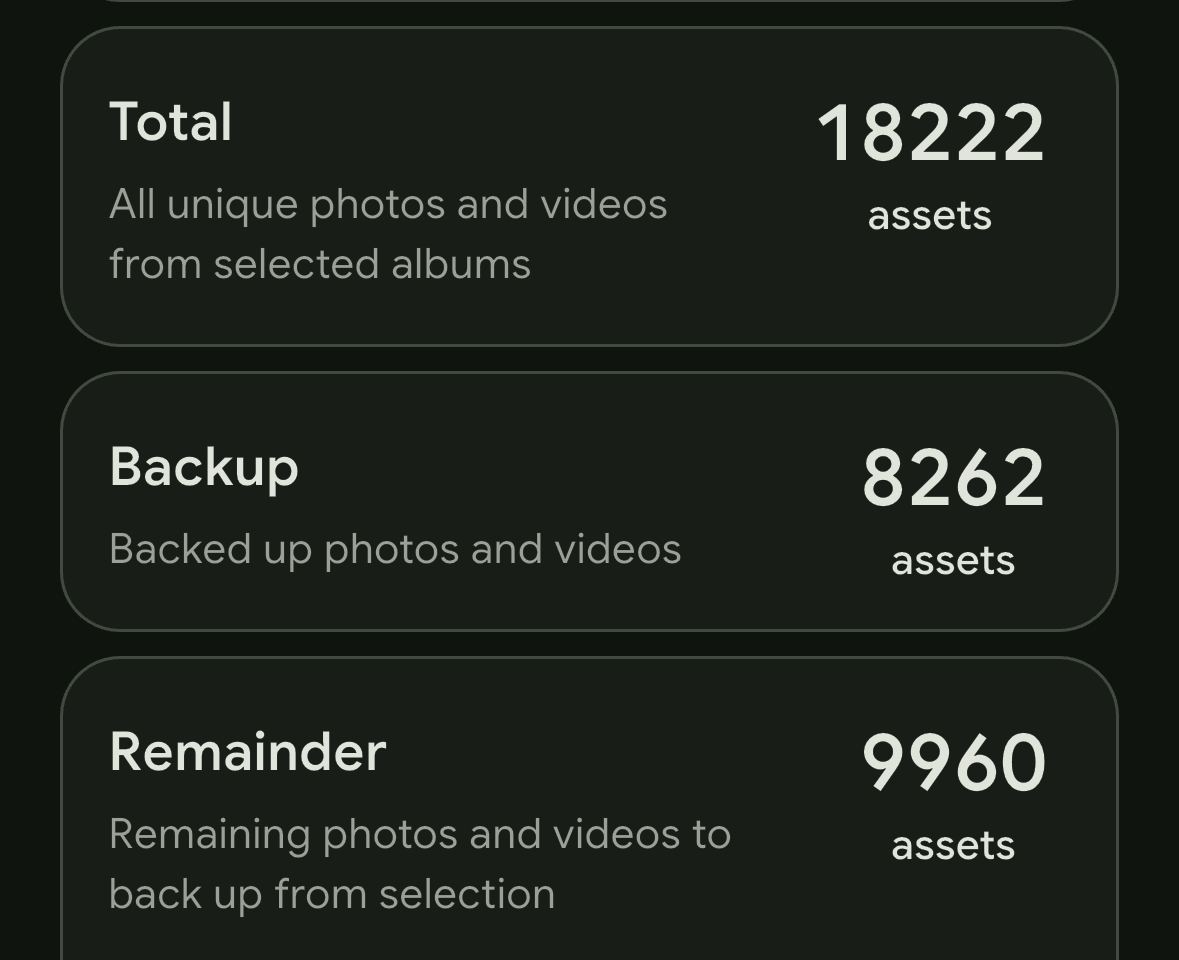
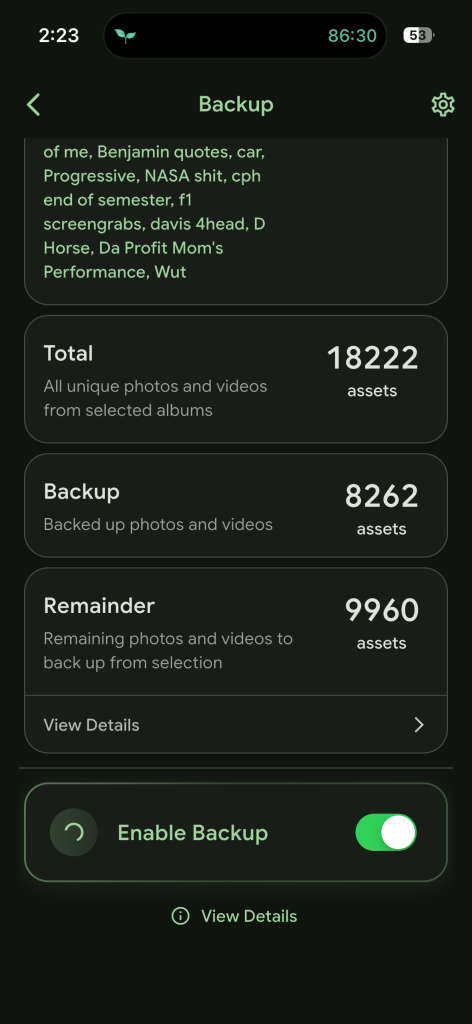
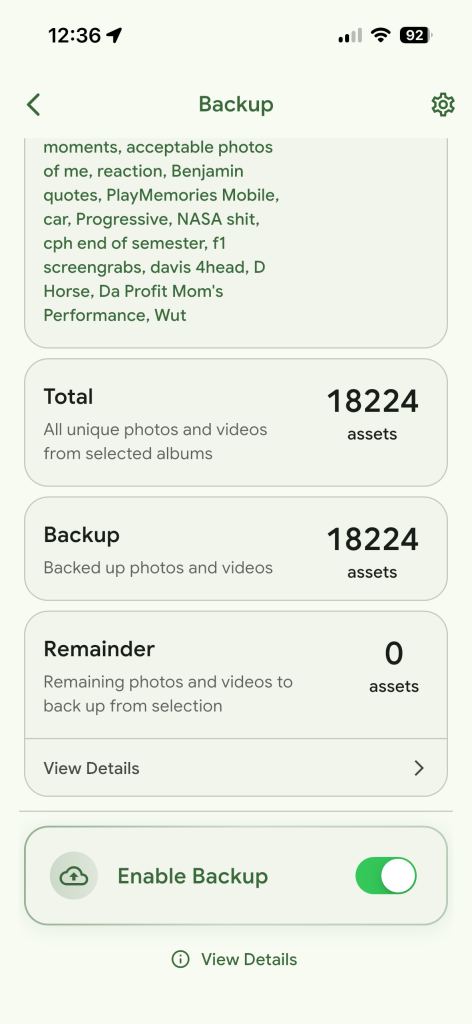
    Immich set to sync with my iCloud

    I created an Immich virtual machine that mounts an SMB share directory to send all my images. Immich also has an iOS app, which is what the screenshots are from, which I set to automatically backup my photos, I plan on cancelling my iCloud subscription soon. Also using Immich to organize photos from various times and sources.

    general photo backup compared to organized albums

    Along with my library sync, I also back up much of my camera photos into albums and plan to integrate a small photography portfolio into this website, because tech isn’t the only thing I do.

    While my Immich project is nowhere near complete, as I want to completely remove my iCloud subscription, it is set up to a working state and am currently happy with the results. Reinforcing my experience with Docker Compose and I do everything in the terminal to learn.

  • WRX 5-Speed Hatch

    WRX 5-Speed Hatch

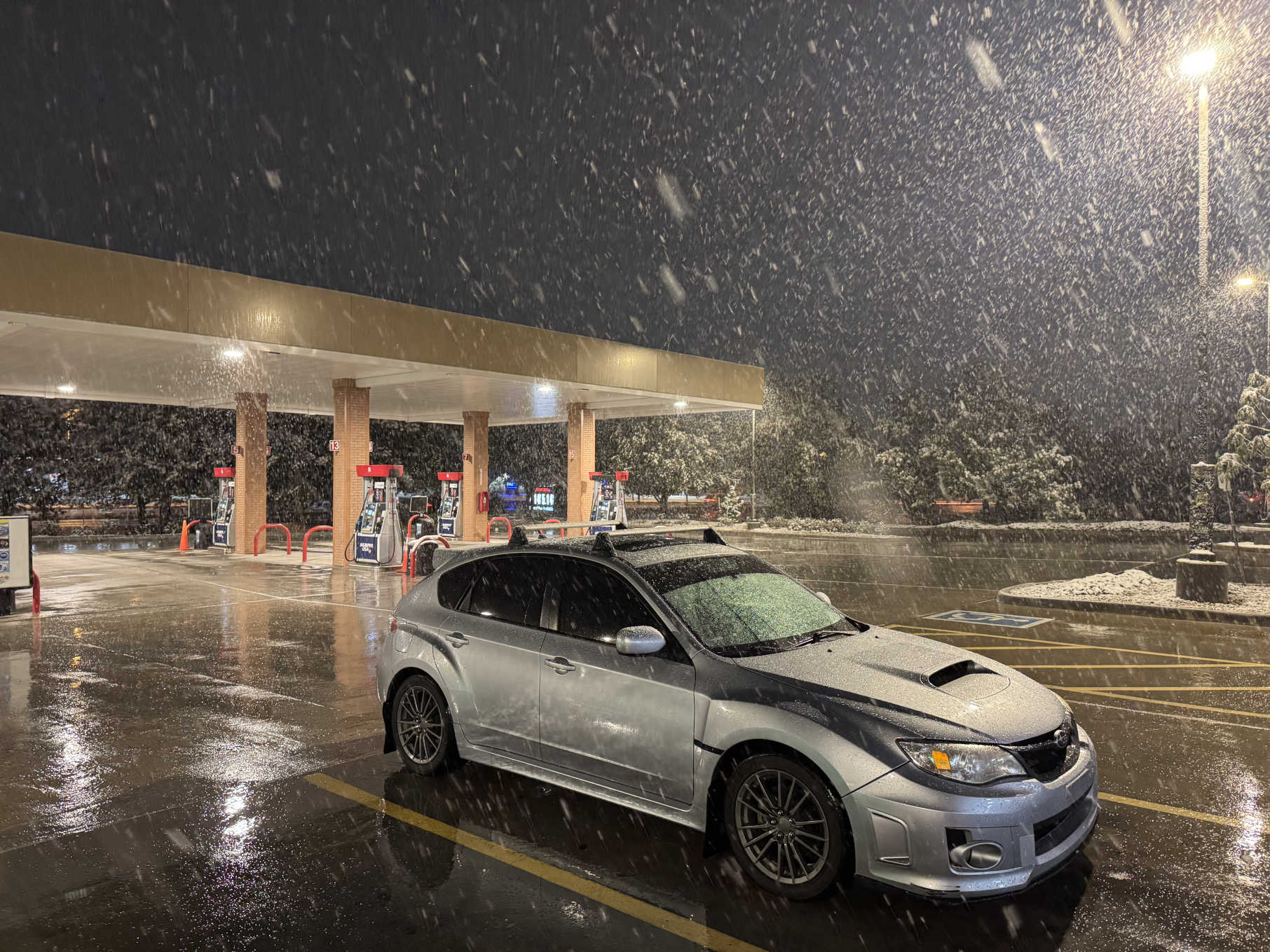
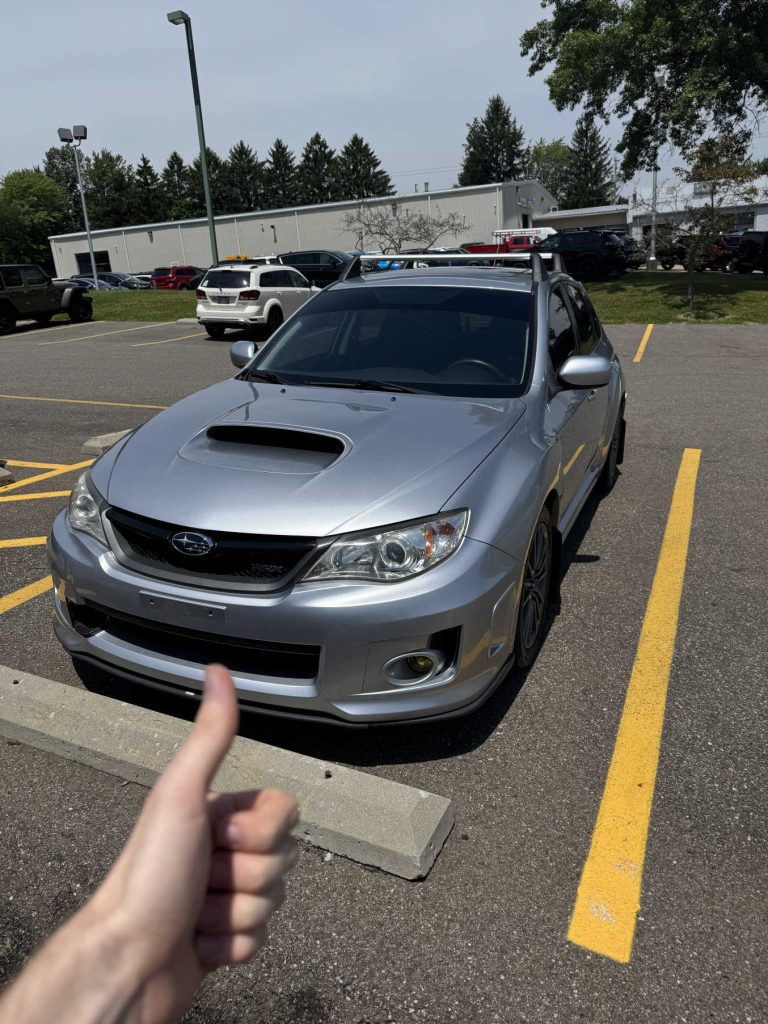
    Bought my 2013 Subaru WRX in Wooster, OH on June 21 2025.

    Been loosely looking for an AWD vehicle with a manual transmission since I applied to University of Colorado Boulder. I found this 5-speed WRX in Wooster Ohio, 5 hours away from me. I believe, from factory, it should make about 250 horsepower, nothing crazy but still plenty to have fun with!

    Having little experience with manual transmissions, I drove up with my cousin Jonathan. When I test drove the car it went very well! I ended up trading in my current car (2018 Mazda 6) and left with Ronda.

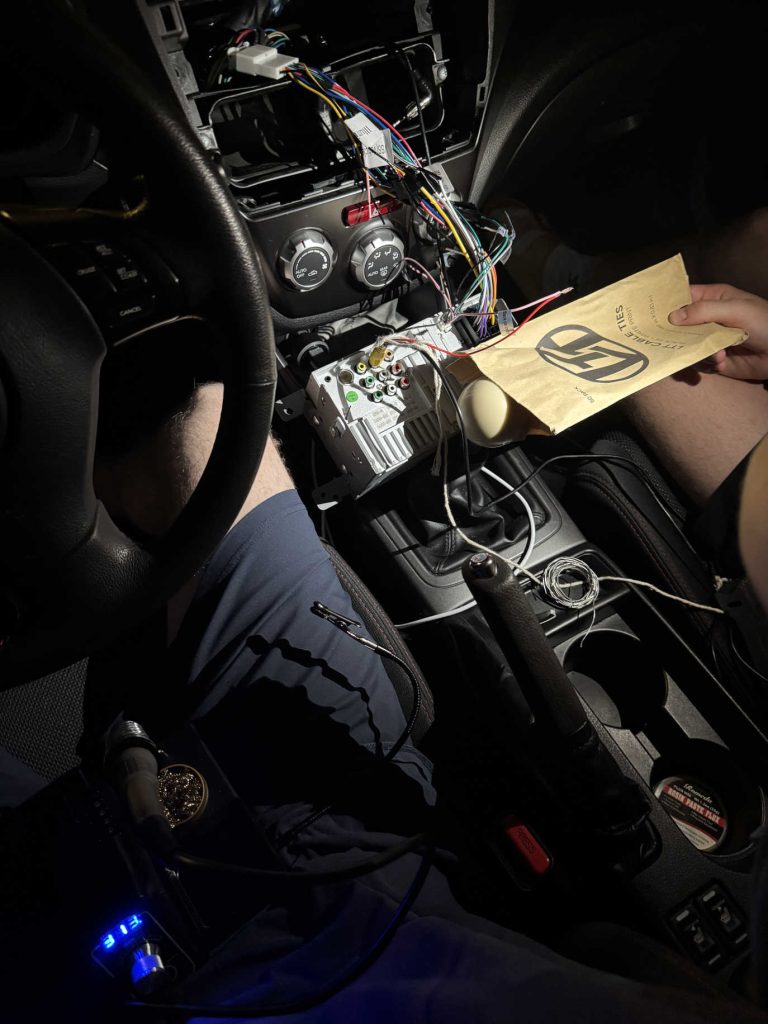
    I bought my car a week before I was supposed to go to my friend’s wedding on June 28. I tasked myself to add an aftermarket radio to have Apple CarPlay and Bluetooth functionality,

    This was the first big soldering project I undertook. I had to wire together a custom wire harness to adapt the radio wires to work with my Subaru. This is the only picture I have from 3 days before the wedding of the work.

    I completed the harness and had to do the last bit of soldering physically in the car. I also had to run a camera wire from all the way from the hatchback, through gromits, around trim pieces, under carpet, and hooked into the harness. And everything worked!

    One day when it was heavily raining, I heard a squeak in my clutch pedal that I hadn’t heard before. I initially chalked it up to the humidity that day because it was raining exceptionally hard and also the fact these cars just make noises.

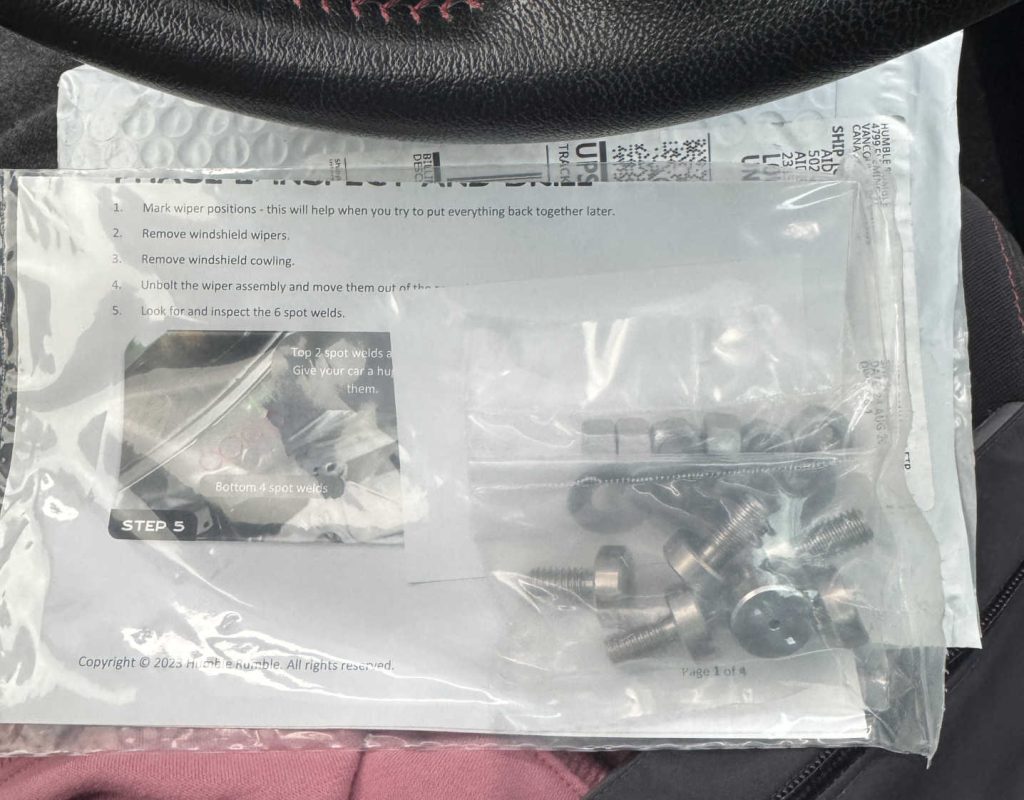
    Turns out this is actually a catastrophic issue I needed addressed! Basically, the spot welds that hold the clutch pedal in the frame are not strong enough and will break after a while, causing the squeaking, visible movement in the brake pedal, hesitation starting, and long term losing your clutch pedal.

    There exists a bolt kit (this bolt kit) from Humble Rumble to replace the spot welds, I had that done sometime in November and never had a problem since. Anyone having this problem needs to get it fixed, Subaru did not do a recall!

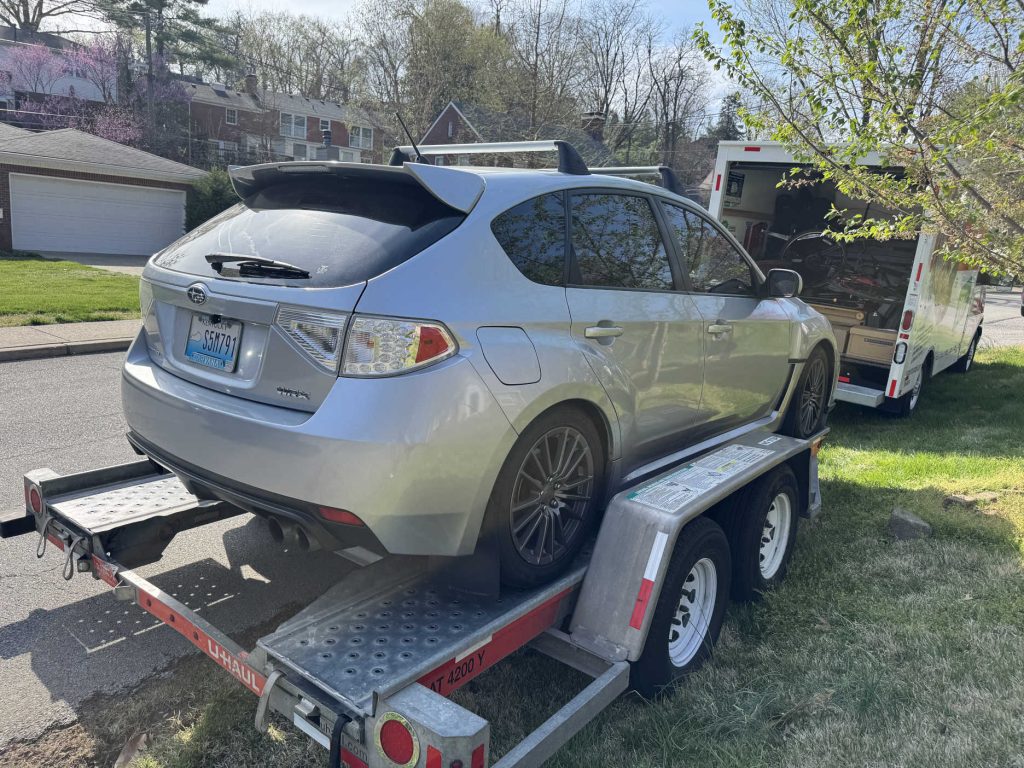
    At the end of March 2026, I moved to Colorado! Specifically Louisville CO from Louisville KY.

    I set out with Jonathan on a cross country odyssey in a U-Haul. We stopped outside of St. Louis, somewhere in the middle of Kansas, and made it to Louisville on the third day but had to stay in a hotel because my place still wasn’t ready, moved in on the fourth day.

    Since I’ve moved to Colorado, I have been involved in an accident. I was sideswiped going through an intersection (yay… fun…) and am still working on getting that fixed.

  • Minecraft Servers

    Minecraft Servers

    Windows 11 jumpscare!!

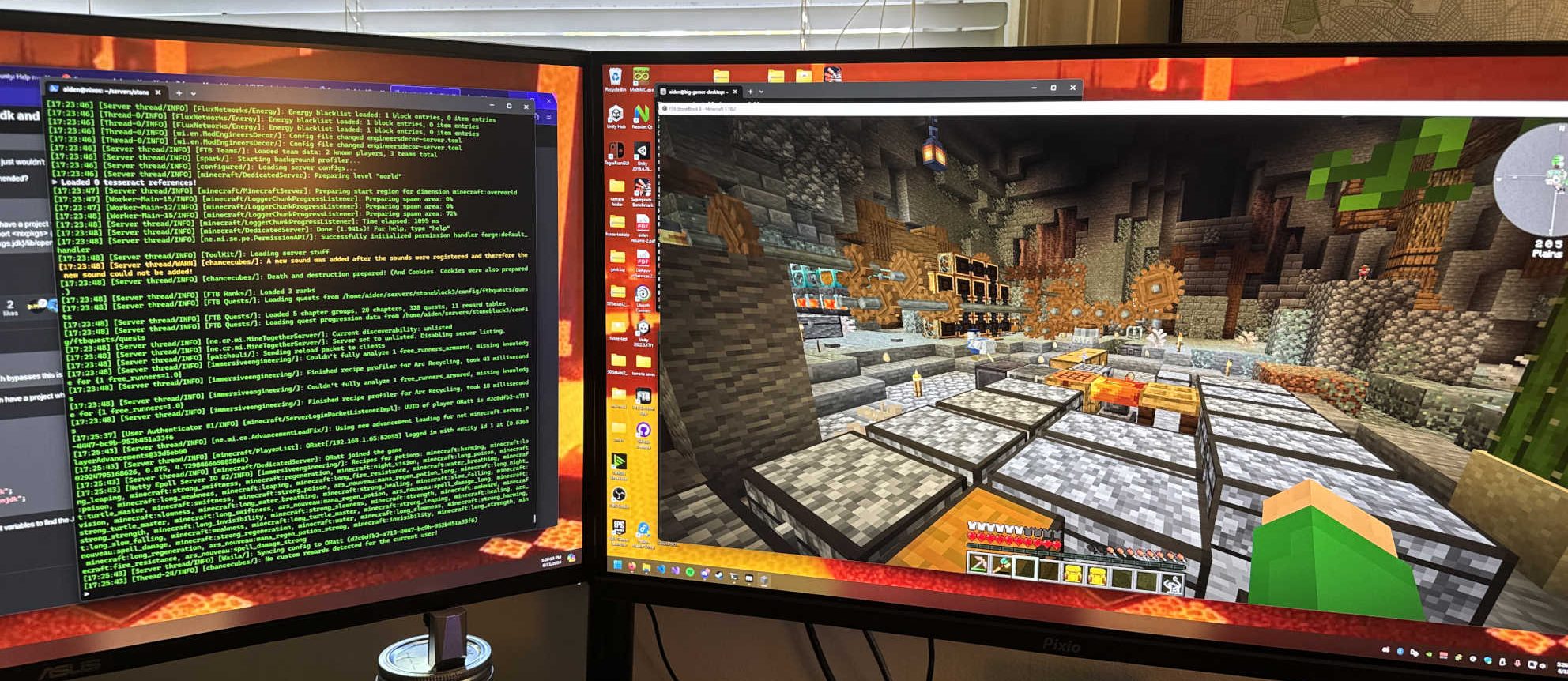
    This is something I have wanted to do for a very long time, hosting Minecraft servers! Since I started playing Minecraft back in 1.5 (2013), I have enjoyed hosting world for various friends but it always bothered me that I had to pay for someone else to host the world. I knew about port forwarding back then but it scared me okay??

    Entering my senior year of college having built my server, I hosted a Minecraft world for my fraternity Delta Upsilon and was fairly active for a while.

    I had some weird issues with my bandwidth, players experienced very high ping at the hands of my ISP.

    I recently re-opened the DU Minecraft server for a few friends to beta test for any issues with the new setup. I want to perpetually offer this server to the house through the generations.

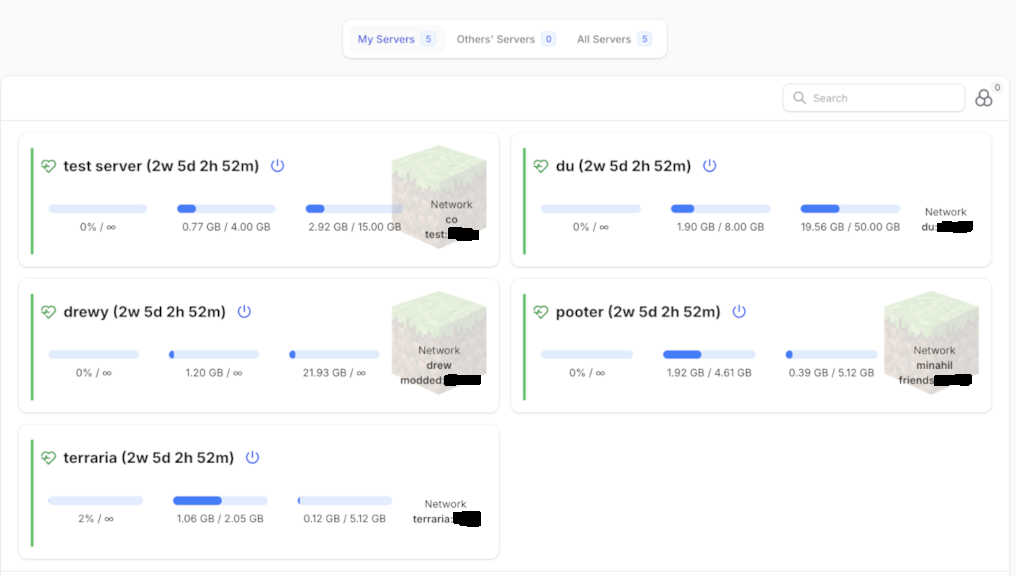
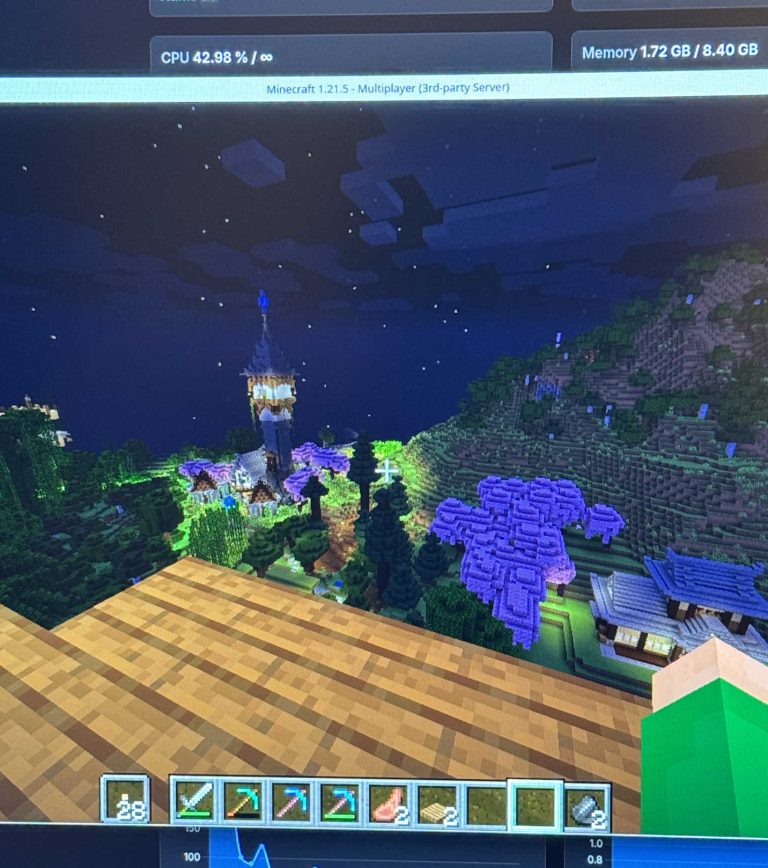
    Now, I maintain 6 servers, 1 for Terraria and 5 for Minecraft (new world not depicted). I blurred out my ports for obvious reasons.

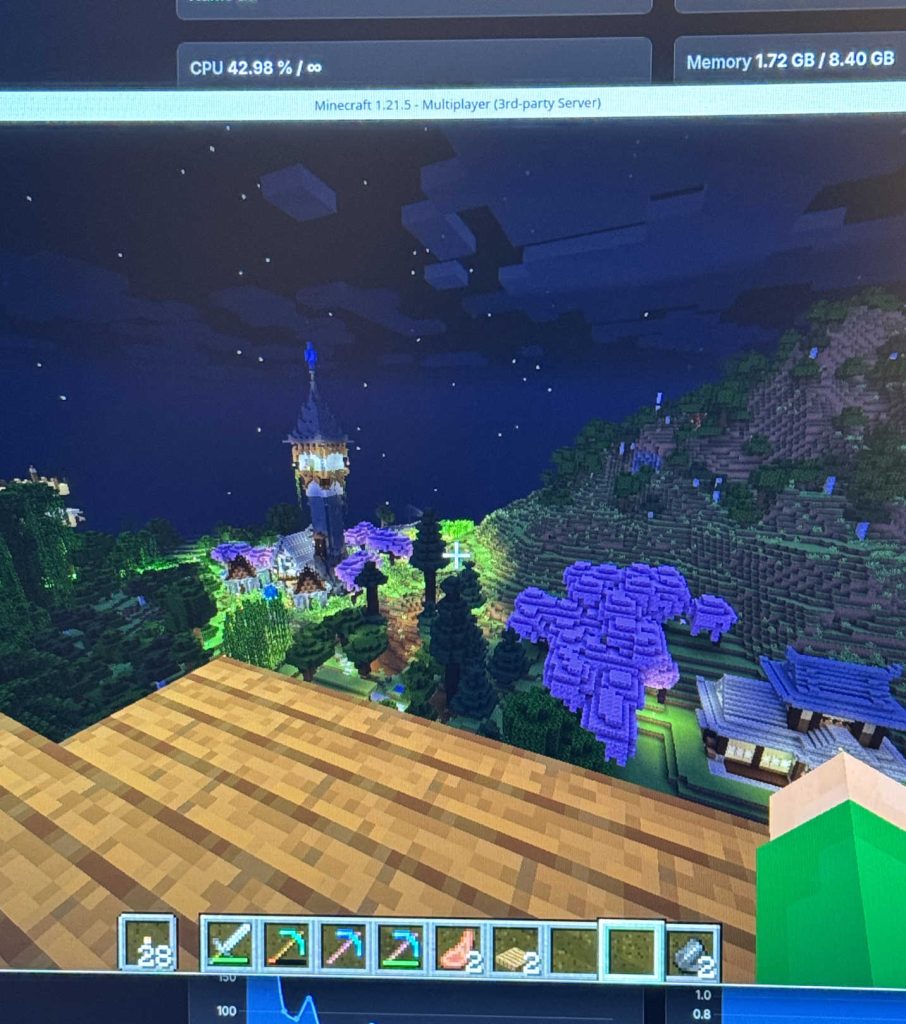
    I created a Forever World

    The concept of a forever world is not particularly new, just a world you play forever. I don’t play nearly as much Minecraft as I once did and have gotten more into the hosting aspect of it which I have been loving, so I wanted to try and incorporate this forever world, that I am about to start, into my website and infrastructure somehow.

    My idea is to create a spectator player that lives on the world and takes images every hour or so while I am playing and uploads them to this website to have a sort of live feed into what I am doing on my world. I could make this into a mod or server plugin and might require me to buy another Minecraft account. I also want to allow anyone to join my world and explore in adventure mode, I think that would be a fun layer of interactibility with my infrastructure but is probably a security vulnerability. But right now everything is whitelisted.

    I want to host a few more servers for games like Stardew Valley, Factorio, Hytale, and maybe Rust.

  • Homelab

    Homelab

    Daughter of Anton

    1
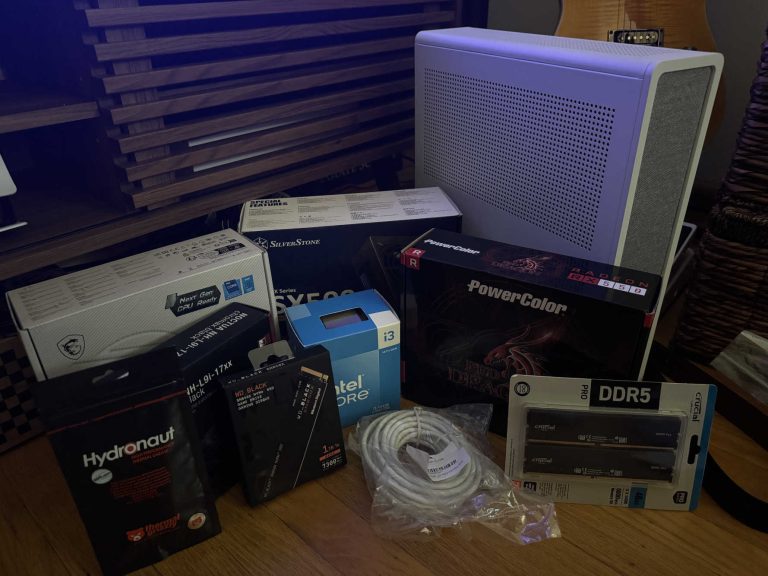
    Parts Arrive!

    Parts Arrive!

    6/9/24

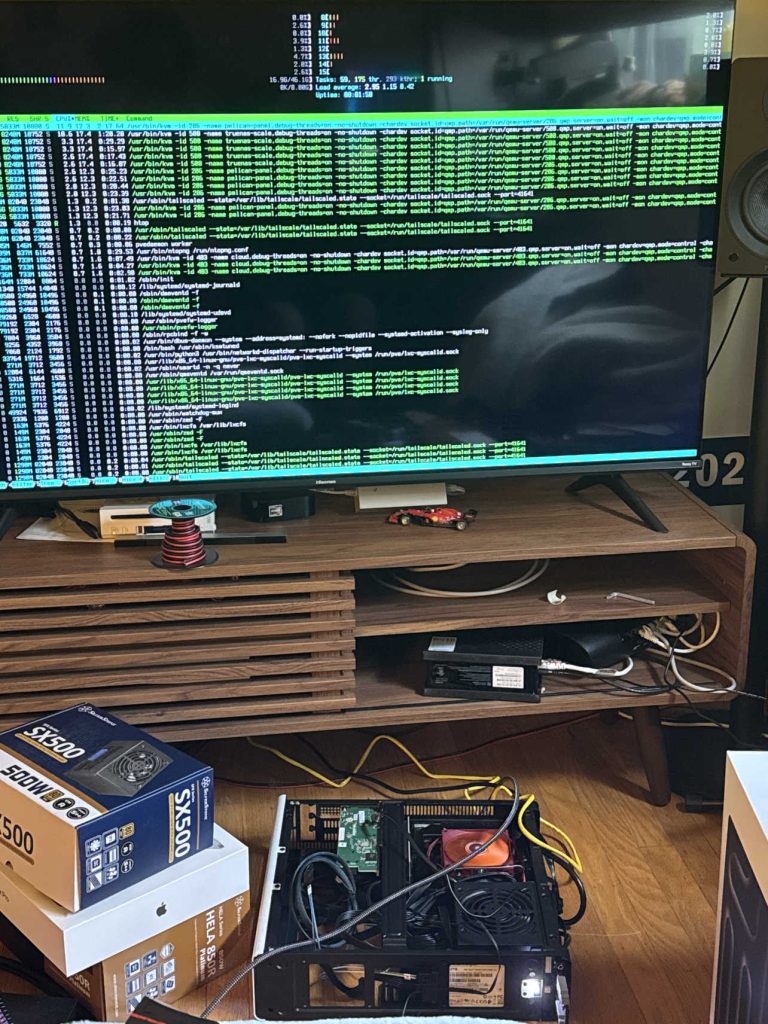
    While not the most cost effective way to start a homelab, I enjoy building computers, so I used this as an excuse to build a mini pc with consumer parts.

    I originally built the system with an Intel i3 13100, 48gb DDR5 ram (ballin), 2tb nvme (also ballin), 500w psu, specific motherboard and cooler isn’t too important.

    2
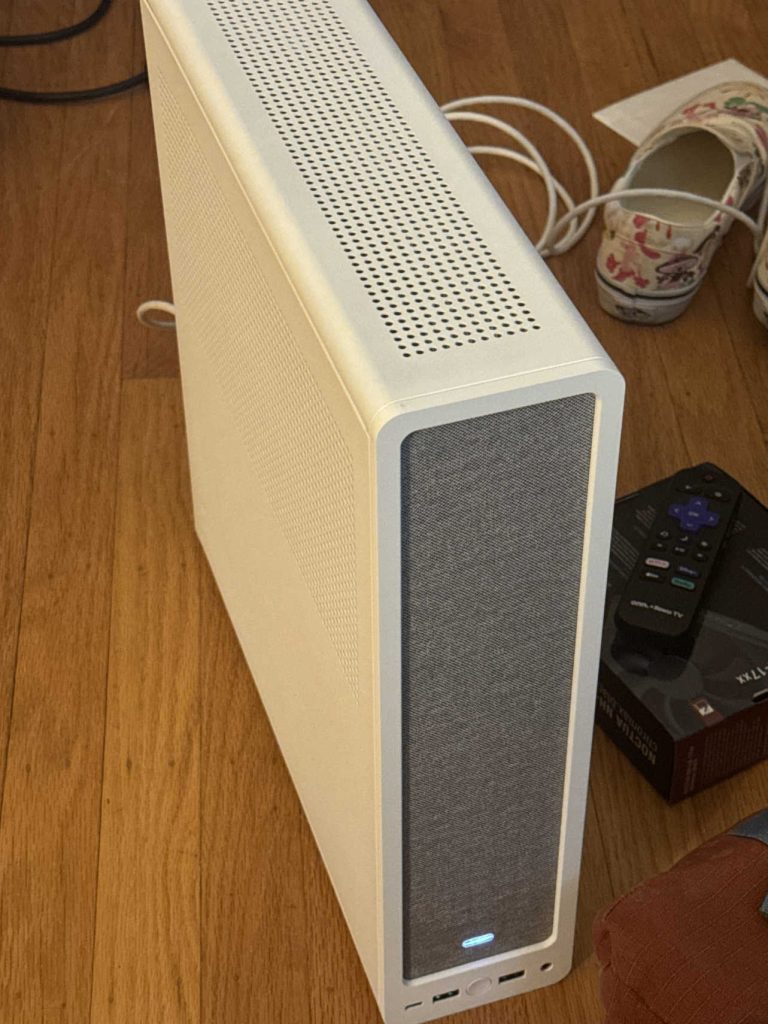
    Server Built!

    Server Built!

    6/10/24

    I built the server, didn’t take too long I invited my friend Lucas over because he was also interested how this works. I was still waiting on some 2.5″ SSDs to arrive and was actively looking for an HBA card to install.


    3
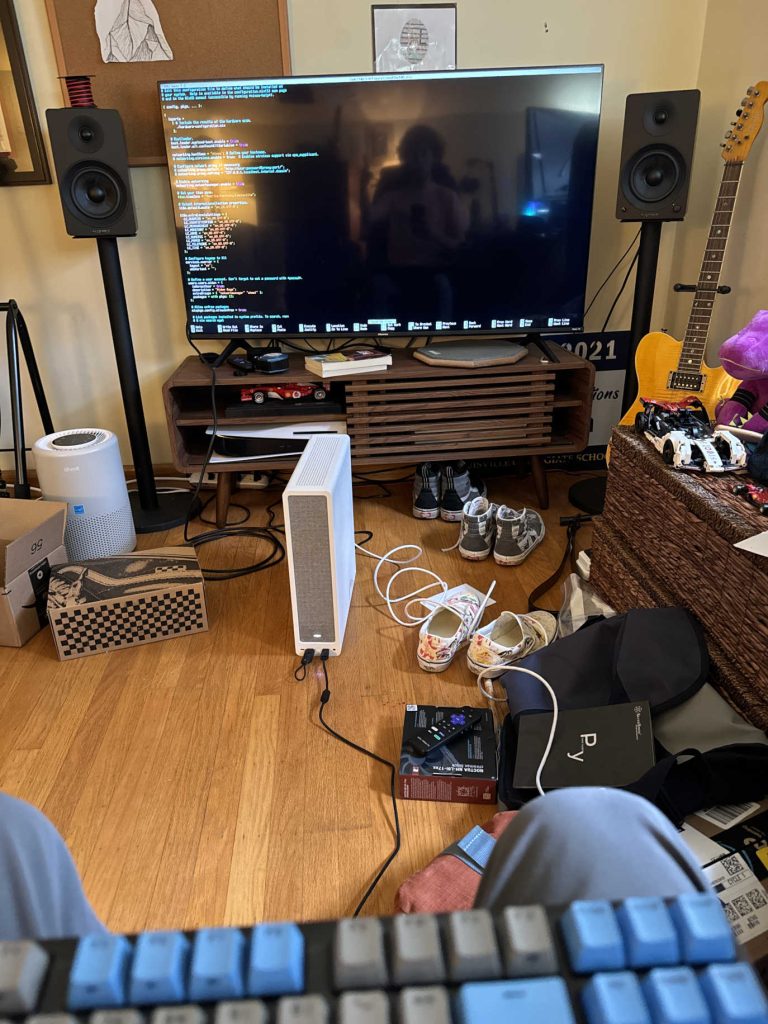
    Trying NixOS

    Trying NixOS

    6/10/24

    More like I failed at NixOS.

    For those who don’t know, NixOS is a declarative operating system, which means you edit a config file to manage the entire system. I tried this for a few weeks and it was like bashing my head against a brick wall that had thorns somehow growing out of it.

    Really cool concept but god damn is it confusing and complicated.

    4
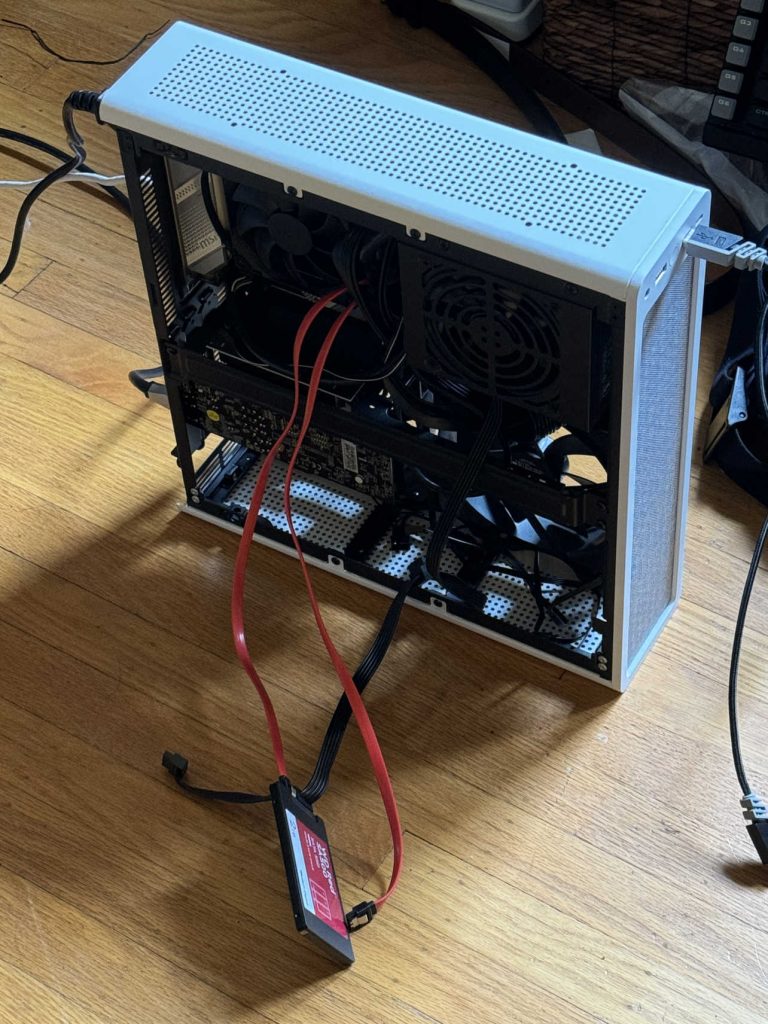
    Installing More SSDs

    Installing More SSDs

    7/6/24

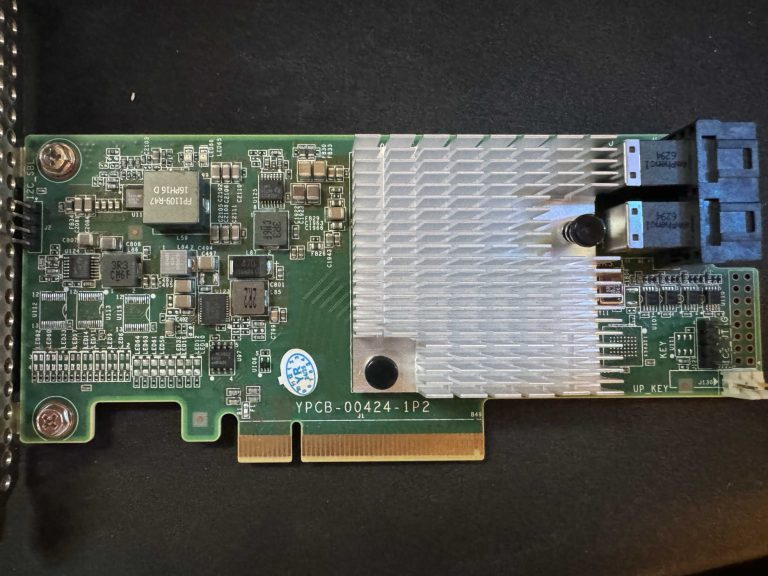
    This is when I realized I needed an HBA card, a PCIE card that allows me to connect more sata drives. In this photo I think I have a video card plugged in.

    This is also about when I gave up with NixOS and decided to try TrueNAS Scale, which worked for a while and was able to install things like Tailscale and host MC servers. However, at some point, I swear this was totally random, my install borked itself and I did not have the expertise to troubleshoot that at the time.

    5
    HBA Card Arrives!

    HBA Card Arrives!

    7/22/24

    An HBA card (host bus adapter) allows me to connect more sata SSDs to my server. In the previous image there are two SSDs connected directly to the motherboard and that is the maximum. Now I have three connected through the HBA card.

    6
    Setting up Proxmox and TrueNAS

    Setting up Proxmox and TrueNAS

    7/26/24

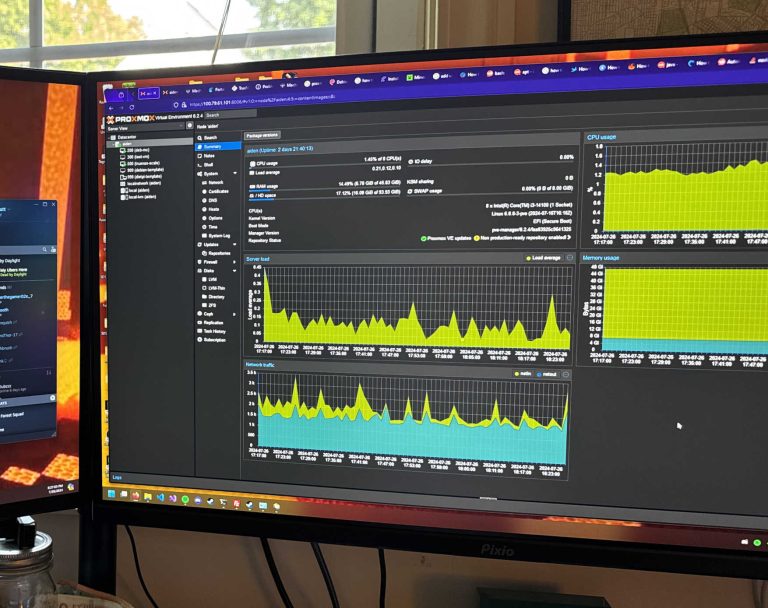
    By this point, I had landed on installing Proxmox Virtual Environment and running TrueNAS Scale in a virtual machine incase my install decided to kill itself again. 

    So far been having good results with this combo pushing two years.

    7
    Setting up SMB

    Setting up SMB

    8/1/24

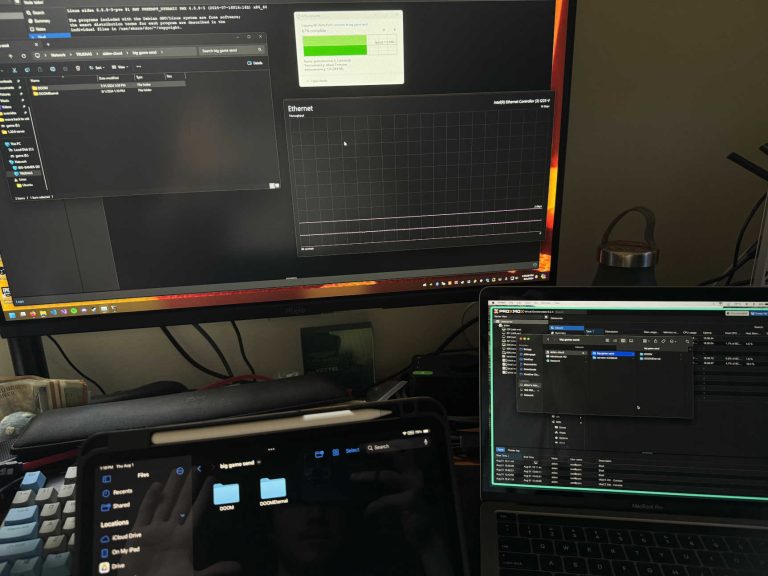
    With TrueNAS Scale running in a VM, I use that to host my SMB shares for both my cloud storage and also a few Proxmox discs. Here I built my server up enough to be able to connect remotely with Tailscale and mount the SMB drive to devices like my PC and Macbook.

    8
    House Minecraft Server

    House Minecraft Server

    9/8/24

    I began hosting a Minecraft server for my fraternity Delta Upsilon which gained traction around the house. I have plans to bring it back and want to permanently host a server for the house for free.

    9
    Carbon is Built!

    Carbon is Built!

    12/3/24

    This is my senior year at DePauw and completed my computer science seminar in the Fall.

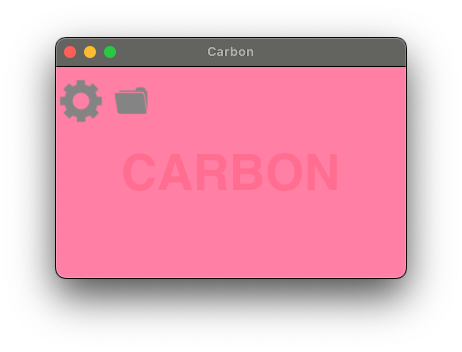
    I developed a Mac desktop application in Rust, that can also probably work on Linux, that allows the user to upload a file to a server instance of their choice and receive a download link to be able to share files and easily remote download files. I decided to dive head first into Rust and Git, fighting with Rust’s borrow checker and compiler.

    I developed Carbon while also learning server setup and maintenance and a common tool is the command line tool wget. Wget takes a URL of a file and downloads directly from it, this works very well until the website has a redirect and that breaks the whole download. So I created my own workaround for that issue I was having.

    10
    New Parts!

    New Parts!

    5/26/25

    Now I’ve graduated!

    I ordered some new parts to swap into the system. I had to buy a new motherboard, but I swapped in my AMD Ryzen 7700X (ballin) from my main PC because I was also replacing that with a 7800X3D (also ballin).

    11
    HP Proliant DL360p Gen8

    HP Proliant DL360p Gen8

    4/22/26

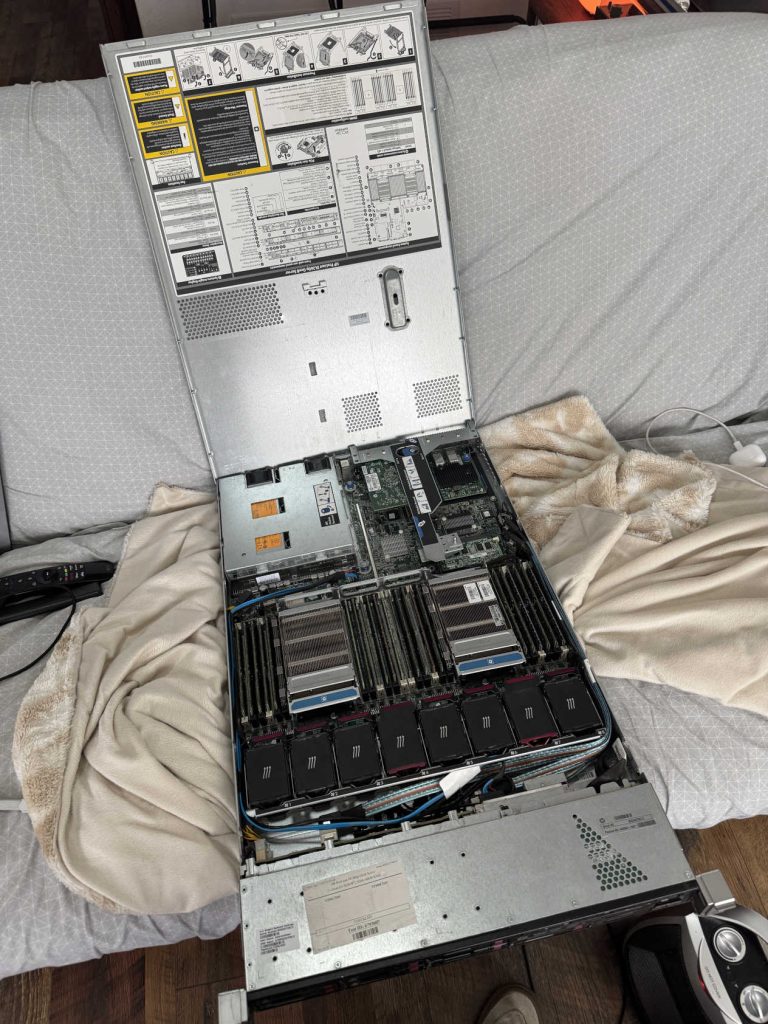
    Bought this power hungry system on marketplace and I am still trying to figure out how to use it. Has dual Xeon 20 core CPUs, 180gb DDR3 RAM, and about 8tb of hard drive configuration.

    12
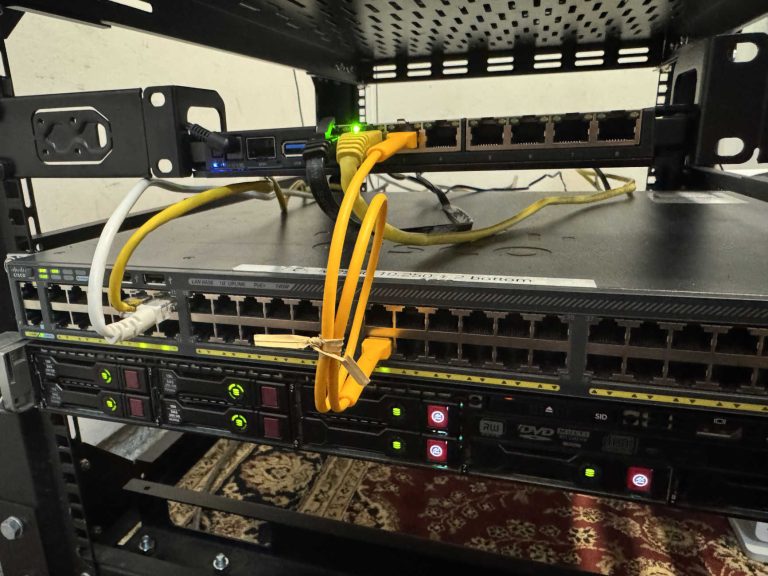
    Random Cisco Switch

    Random Cisco Switch

    4/22/26

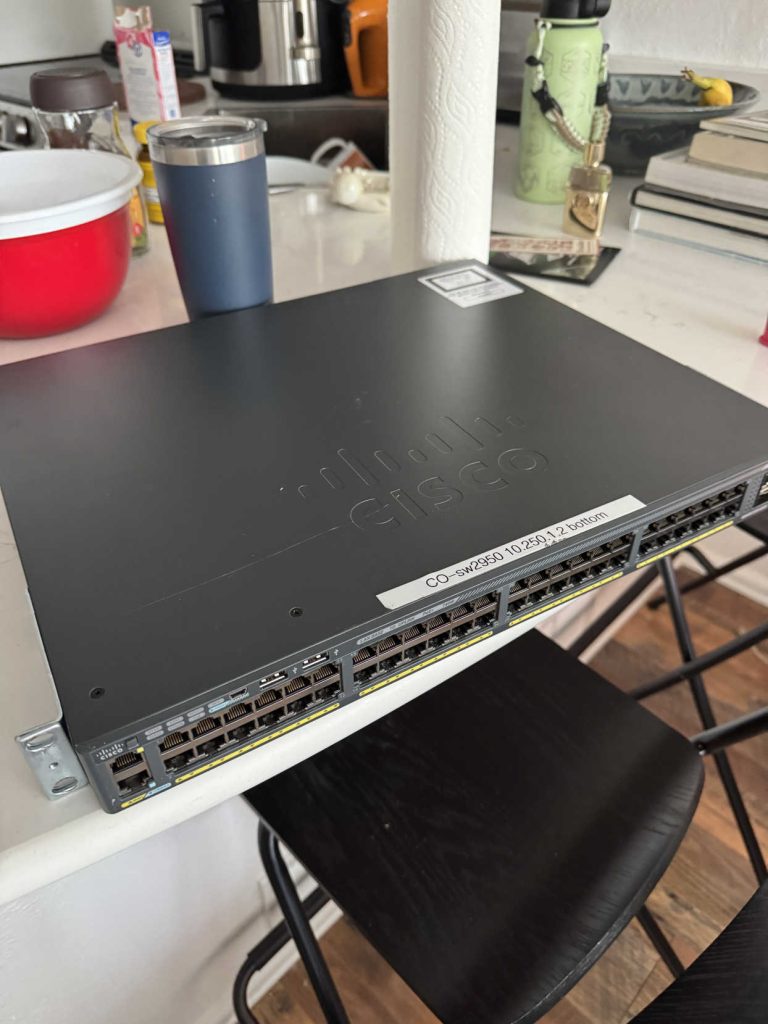
    I got this random Cisco switch from the same guy I got the HP server from. It’s a 48 port managed switch with POE. I plan on running access points from here and running ethernet around my place.

    13
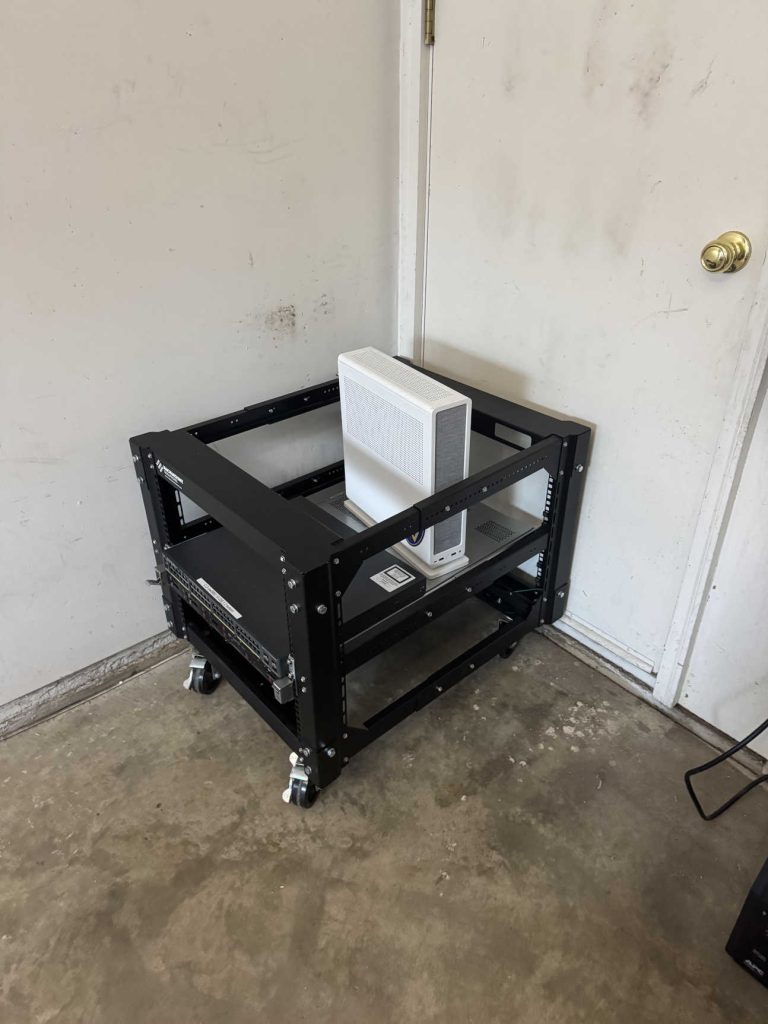
    Server in Garage

    Server in Garage

    6/20/26

    Originally, I put my rack next to my desk upstairs, but turning on the HP server I realized that was not a wise choice. So I moved it to the garage so I don’t hear it.

    14
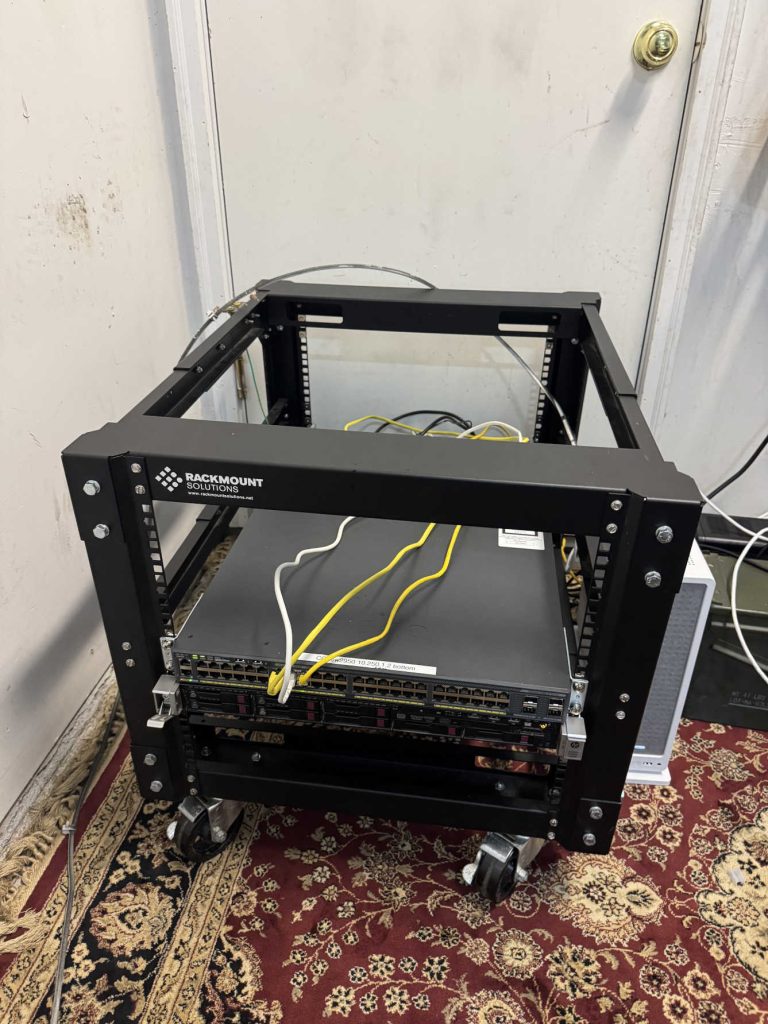
    New Rugs

    New Rugs

    6/21/26

    I got some rugs for my garage!

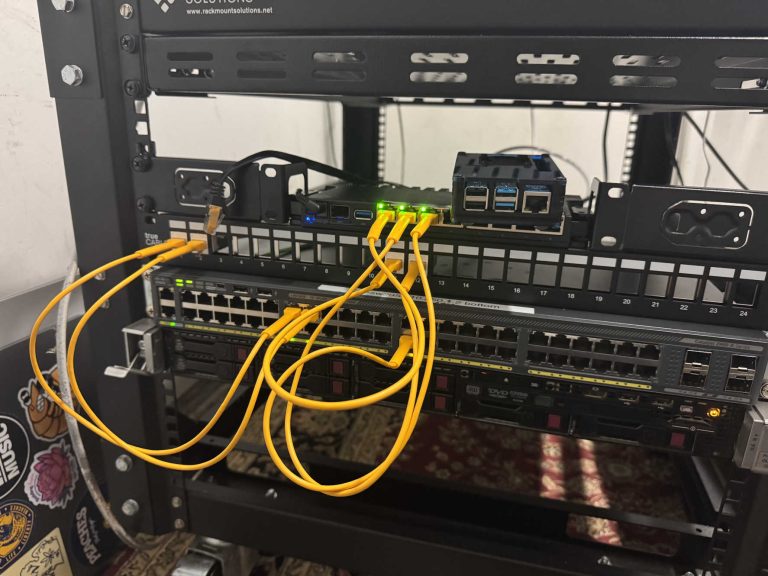
    Probably not the best for static build up. Used MOCA to use my coax already around my place to run internet. Soon to be replaced with ethernet because slow.

    15
    Mikrotik Router

    Mikrotik Router

    6/27/26

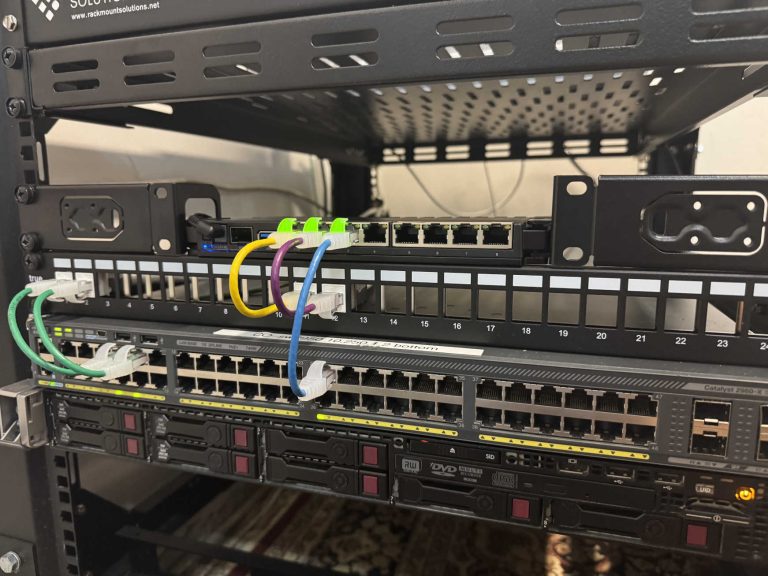
    Read good reviews about the Mikrotik RB5009UG router and decided to pull the trigger. Took some configuring, but got it working and now rack mounted.

    16
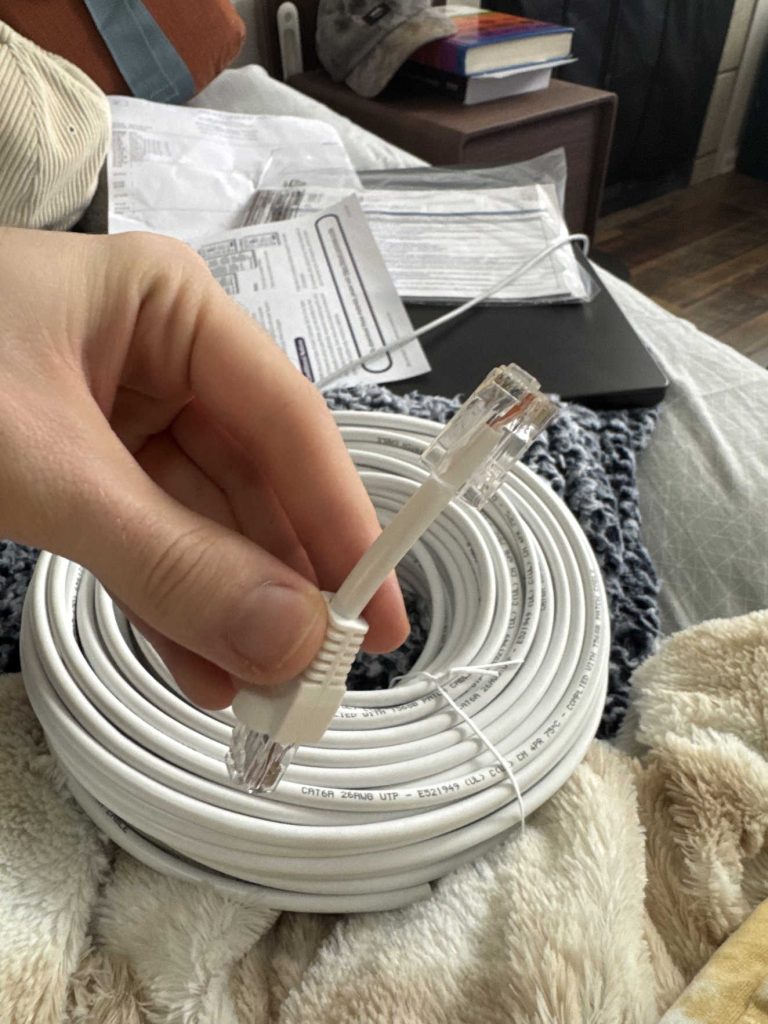
    First Ethernet Cable Termination

    First Ethernet Cable Termination

    7/2/26

    Bought 150 feet of Cat6 ethernet cable with the intention of running lines underneath my place, I have hella crawl space.

    I also terminated my first ethernet cable by cutting off the end and trying.

    17
    New Patch Panel!

    New Patch Panel!

    7/3/26

    I also ordered a 24 port patch panel and a handful of keystone jacks to learn how to terminate those.

    I found out I enjoy creating these connections and managing the cables.

    18
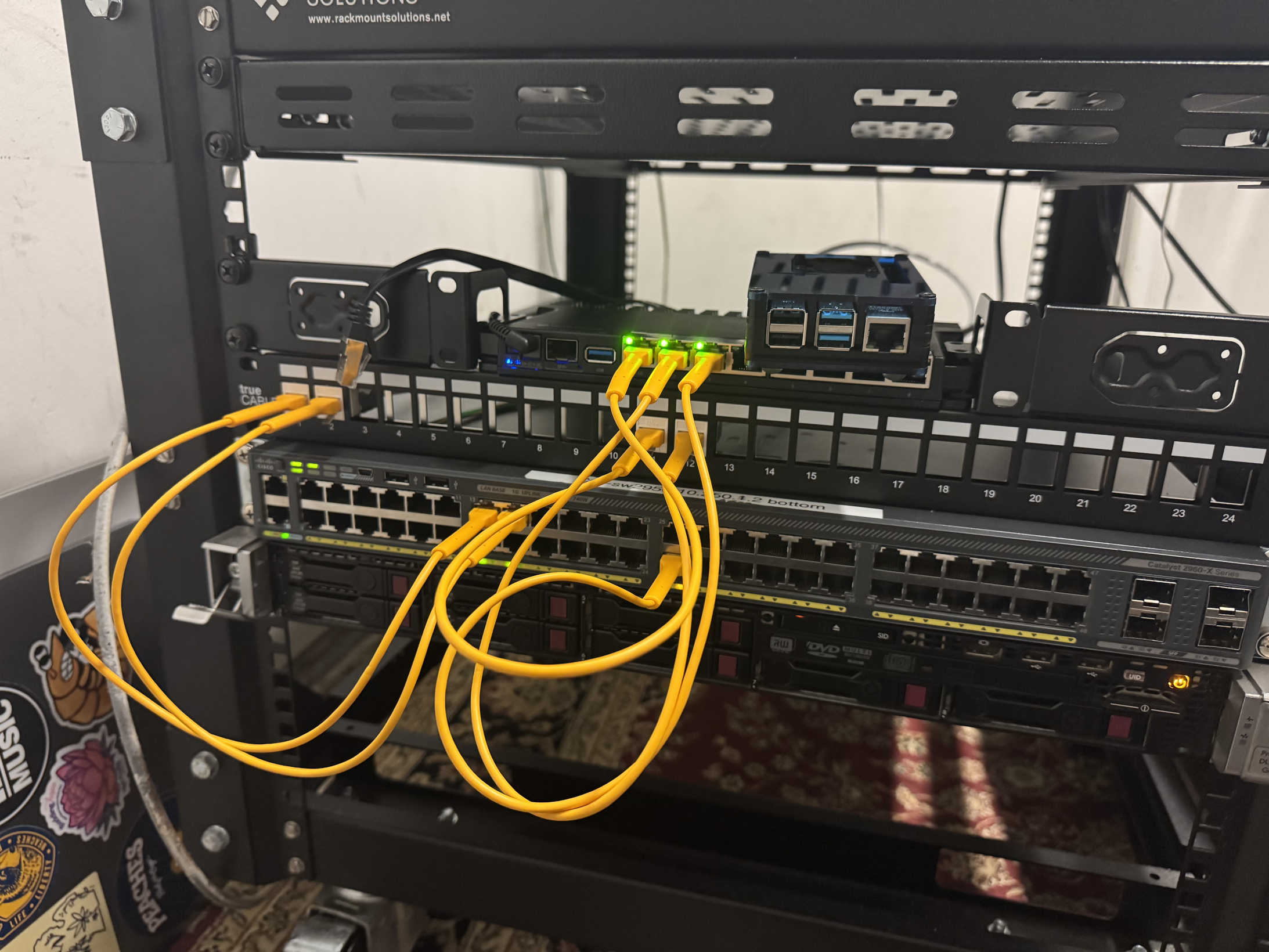
    New Patch Cables

    New Patch Cables

    7/6/26

    I got some new patch cables to better fit the space and try to color code my connections. I have continued keystoning and terminating cables.

    I will get a photo of the rear cable management, I spliced enough for the HP system to be pulled out all the way and stay connected. I’m just proud of my work.